- 01
The carton arrives
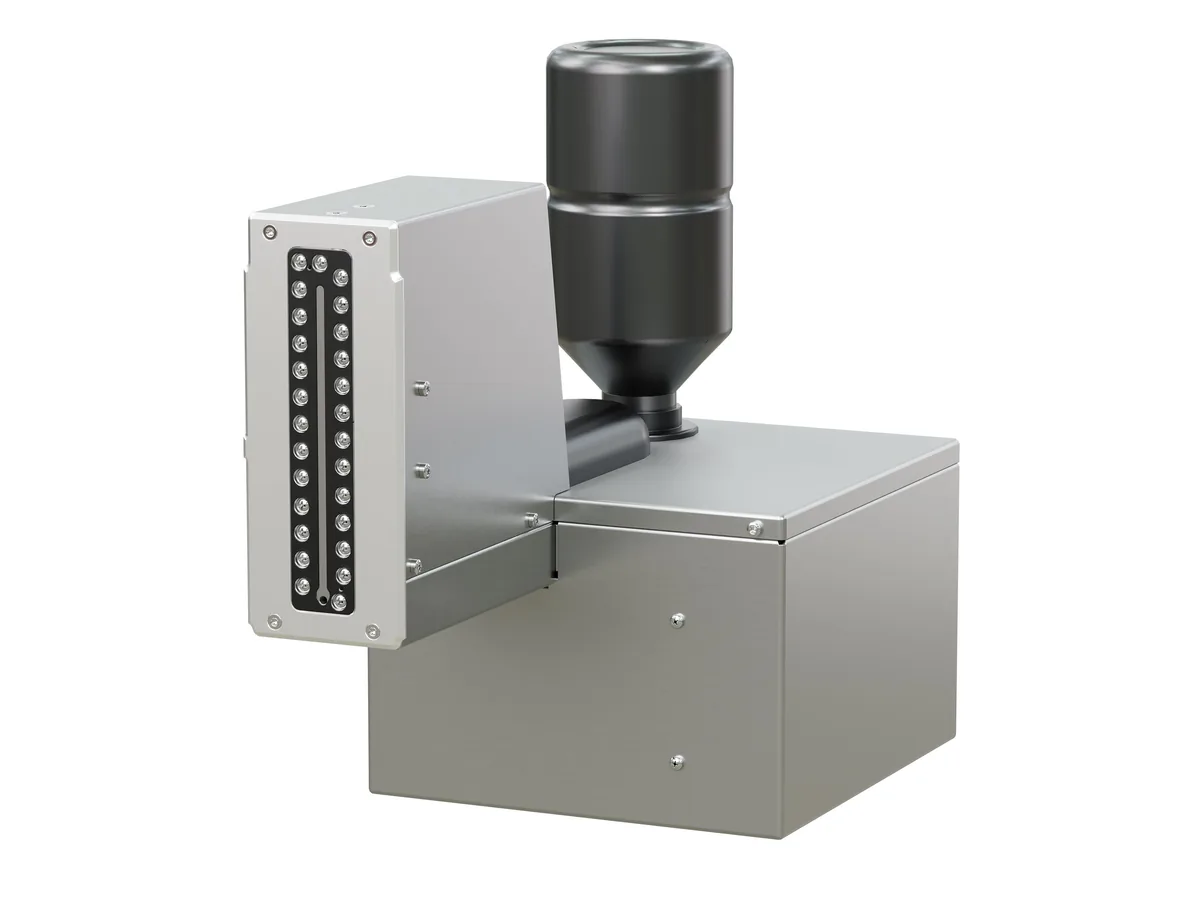
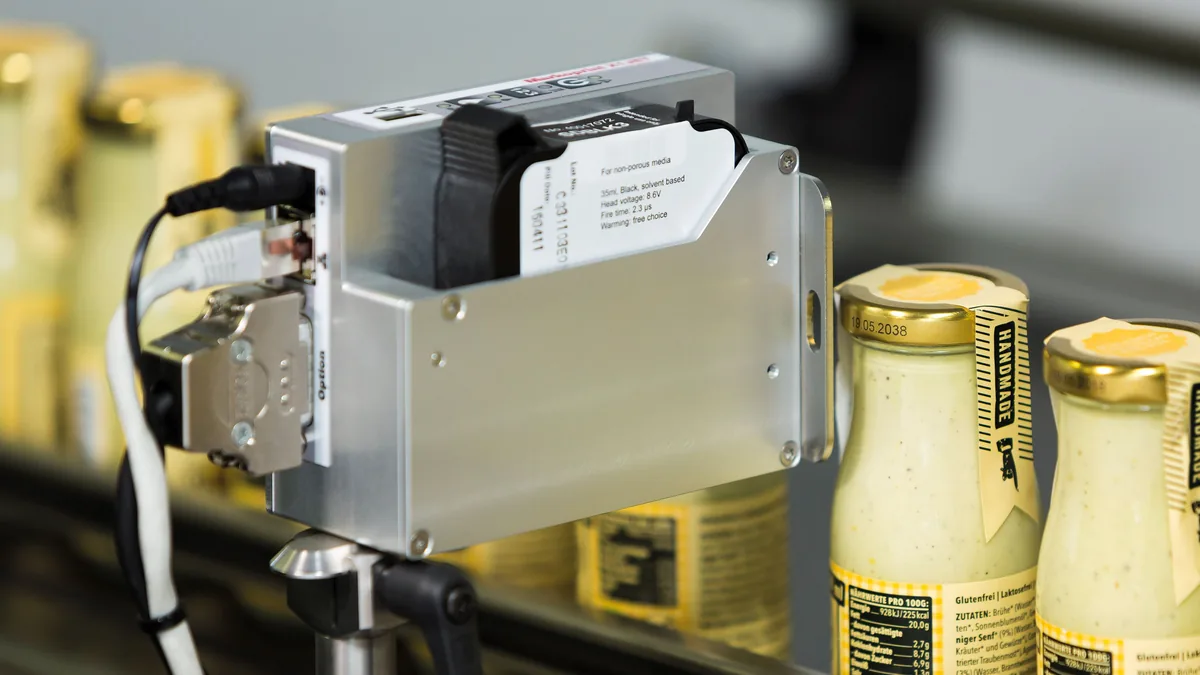
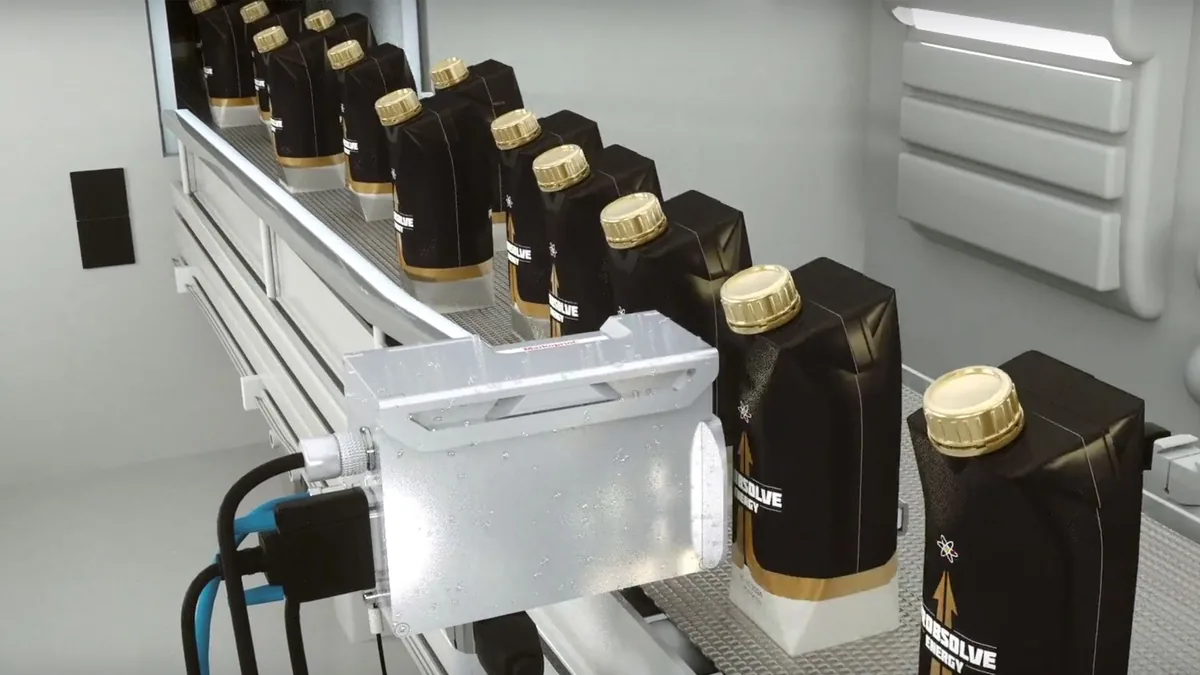
Printheads mount at the side of the conveyor — X1JET MX and XR come in Compact, Vario (rotated for rising conveyors) and Top versions.
- 02
Print large characters
The piezo printhead prints text, logos and codes in one pass, up to 100 mm high with X1JET MX.
- 03
Code more faces and lines
X2JET / X4JET and Integra Quadro drive several printheads — both sides of a carton, or two production lines, from one controller.
03Application
Carton & case coding
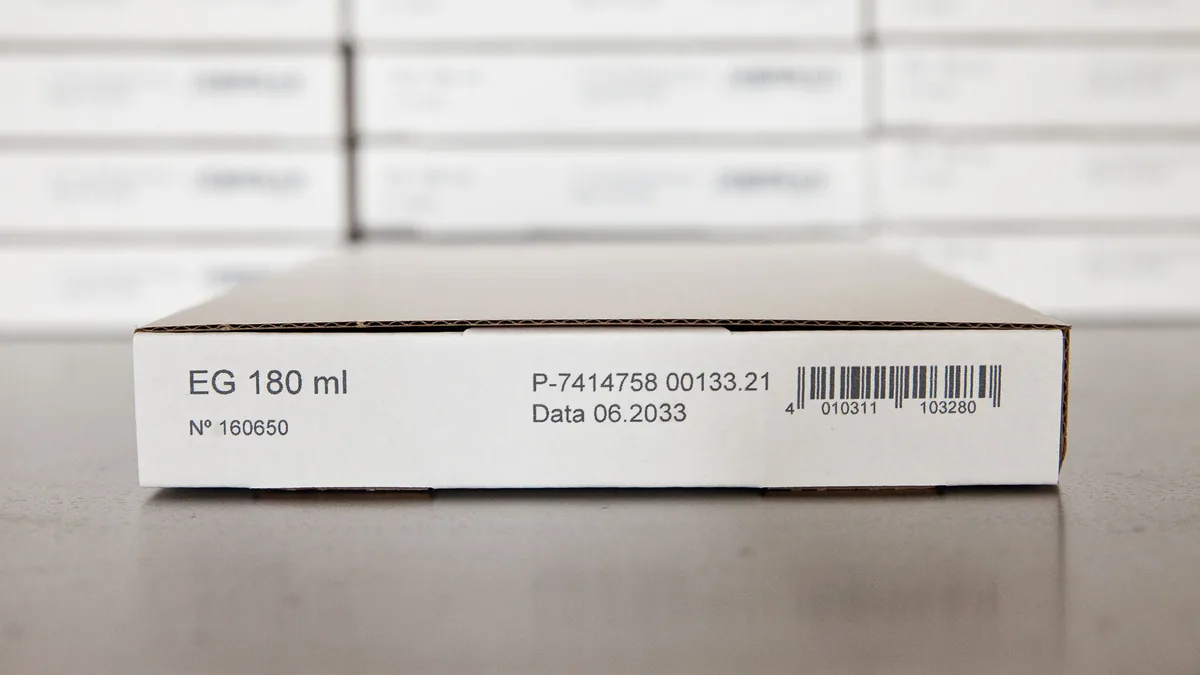
Large characters, logos and codes printed directly onto outer cartons and folding boxes — on one side, two sides or several lines at once.
01 What it is
Carton & case coding, explained
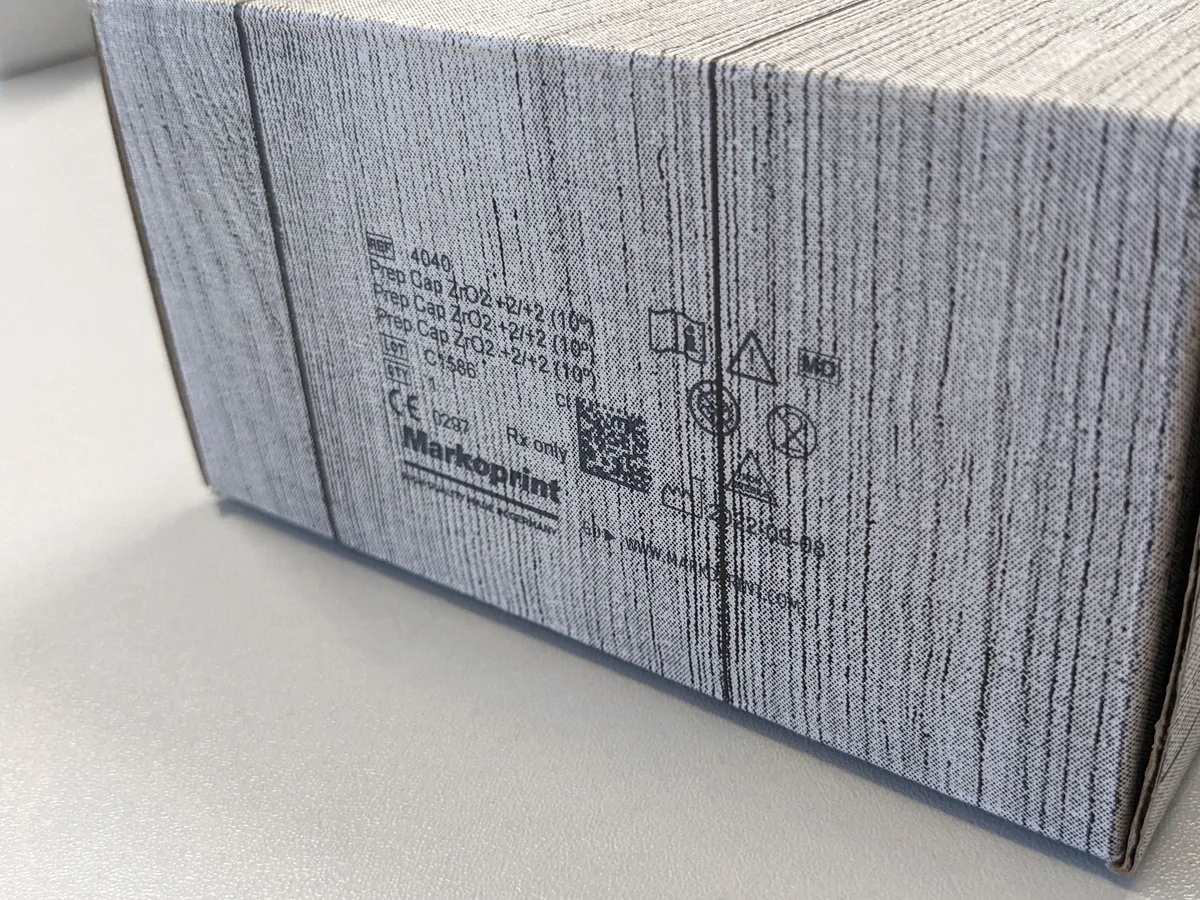
Carton and case coding marks the outer packaging that travels through warehouses: product names, logos, batch numbers and barcodes, printed large enough to read from a distance. PACODE’s large-character printers do this directly on carton material, so no labels are needed.
Print height is the main choice: X1JET MX uses a 50 or 100 mm printhead, X1JET XR prints up to 71 mm, and Integra PP 108 prints from small 1 mm fonts to high-resolution graphics. Print controllers then multiply the printheads for two-sided coding or several lines.
What can be printed
- Large text & logos
- TrueType fonts, graphics and logos
- Barcodes & DataMatrix
- Stated for X1JET MX; 1D/2D on X2JET / X4JET
- Dates, counters, offsets
- Per configuration (Basic / Advanced / Pro)
- Greyscale
- Integra PP 108
Configuration names refer to PACODE’s published comparison tables.
02 Where it is used
Industries and products
-
-
-

03 Technologies
Technology options compared
Select a technology for its method, print height, surfaces and the PACODE models that apply.
Large-Character Inkjet Printers
All-in-one systems with integrated maintenance station
Inkjet Print Controllers
2, 4 or 8 printheads; two-sided coding; up to 4 lines
04 Recommended equipment
PACODE products for carton & case coding
Based on the applications PACODE states for each model and the capabilities in its published specifications.
-
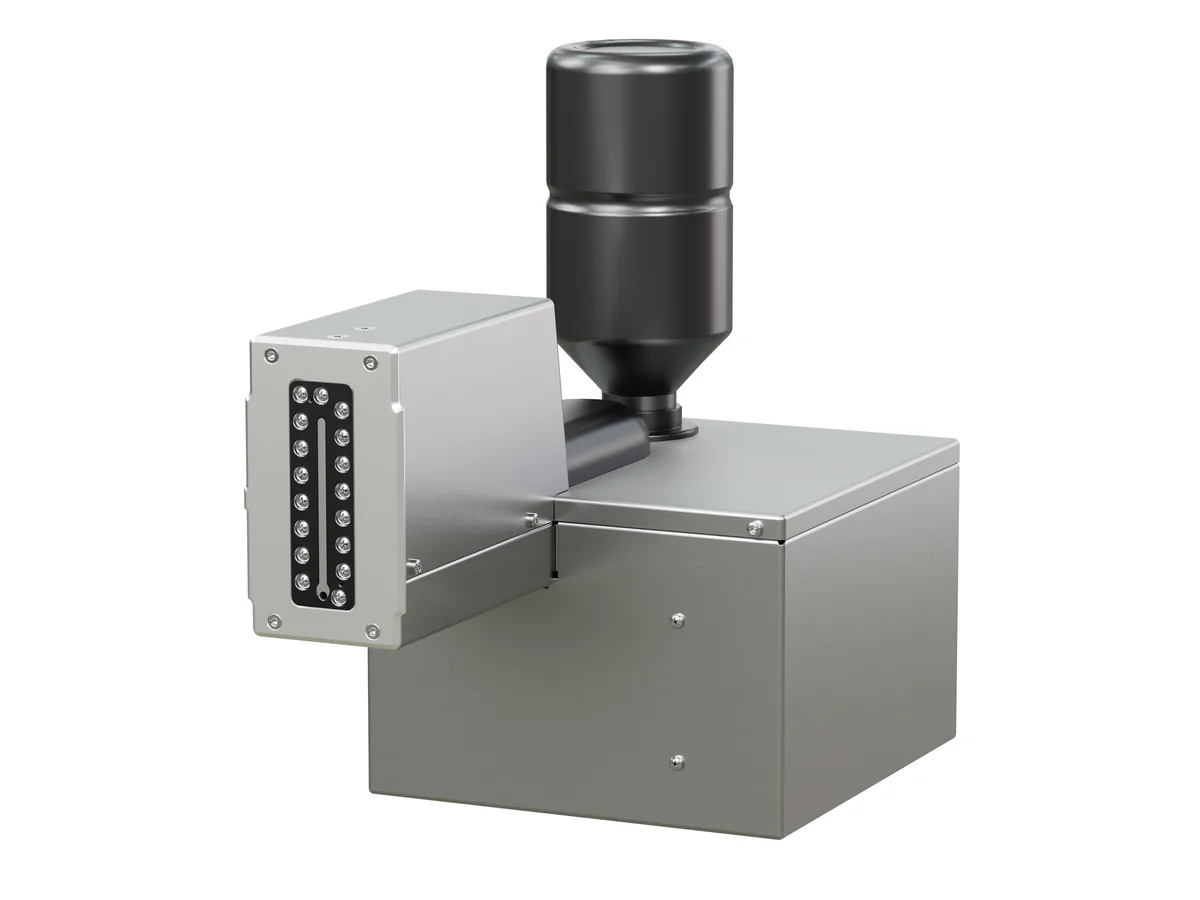
Markoprint Large-character
X1JET MX
An independent piezo inkjet printer for large print images directly on carton material, with a 50 or 100 mm printhead.
- Max. print height
- 50 / 100 mm
- Max. speed
- 90 m/min (Pro)
- Protection
- IP40
-
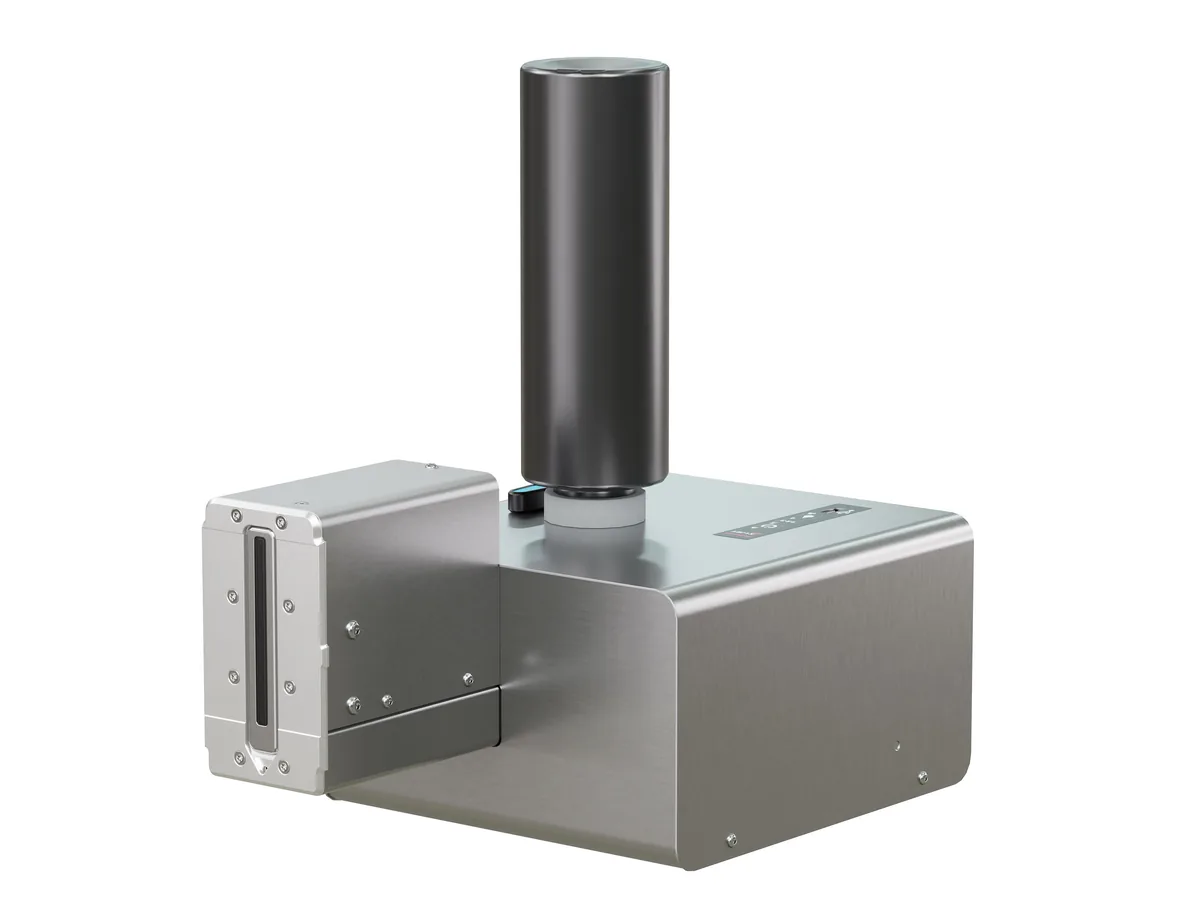
Markoprint Large-character
X1JET XR
A stand-alone XR Class piezo inkjet system printing up to 71 mm high — suited to painted folding boxes and absorbent surfaces.
- Max. print height
- 71 mm
- Max. speed
- 67 m/min (Pro)
- Protection
- IP40
-

Markoprint Large-character
Integra PP 108
Markoprint’s first PP Class piezo printer: a circulating ink system keeps the nozzles free of air for a permanently clean print image.
- Max. speed
- 150 m/min (Ultimate)
- Resolution
- 360 dpi
- Protection
- IP40
-

Markoprint Print controllers
X2JET / X4JET
Compact, standalone print controllers with a 5.7″ touchscreen — X2JET drives 2 printheads, X4JET drives 4, on one or two production lines.
- Printheads
- 2 (X2JET) · 4 (X4JET)
- Production lines
- 2
- Display
- 5.7″ touch TFT
-
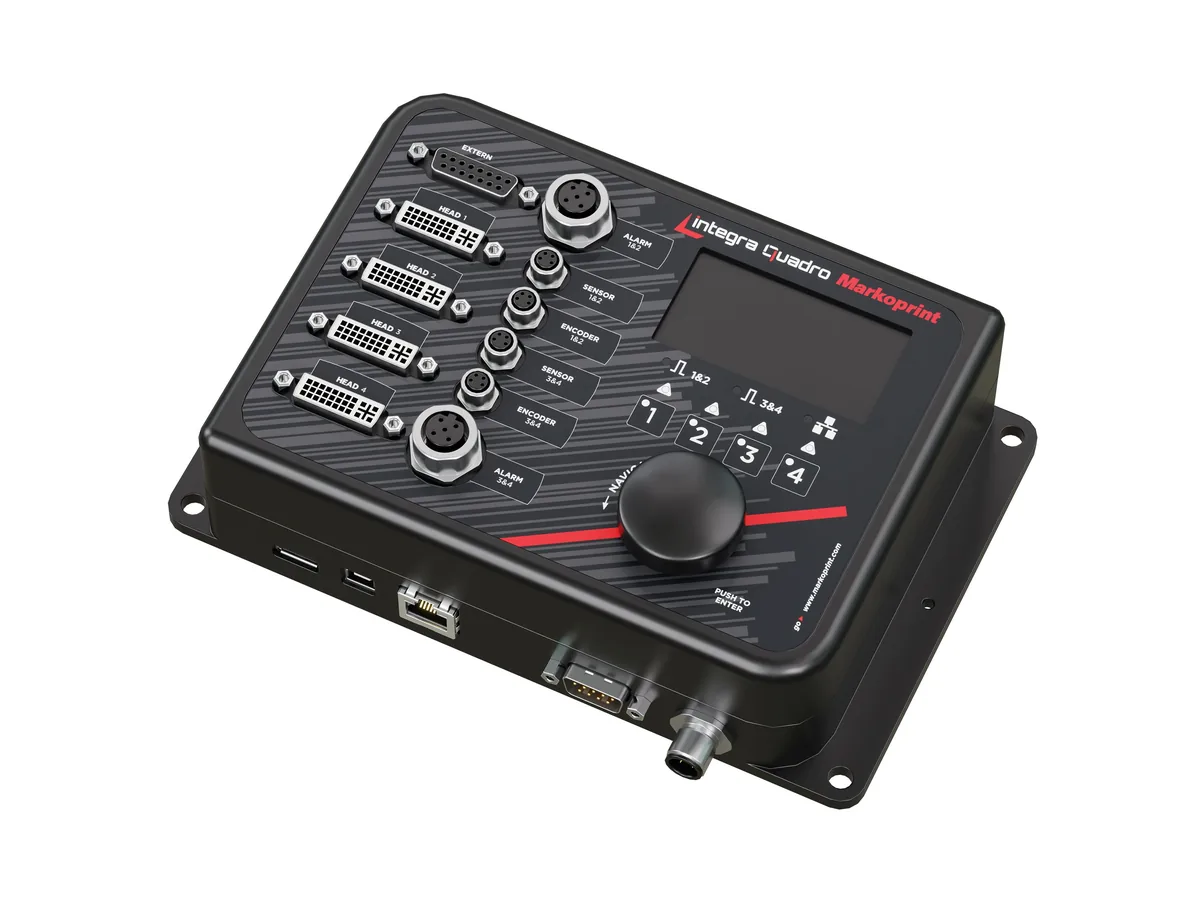
Markoprint Print controllers
Integra Quadro
A slim print controller for control panels that runs up to four inkjet printheads — or four print positions — on one or two production lines.
- Printheads
- 4
- Production lines
- 2
- Max. speed
- 240 m/min at 300 dpi
-

Markoprint Print controllers
Integra Quadro²
A headless inkjet system controller for up to 8 printheads on up to 4 production lines, fed with data from a PC, network or PLC.
- Printheads
- 8
- Production lines
- 4
- Display
- None
05 Typical examples
What the code looks like
LOT 2609A
EXP 09/2028
SN 0142
EXP 09/2028
SN 0142
Illustrations generated by PACODE to show the kinds of content equipment for carton & case coding can print according to its specifications — not photographs of actual print output. Sample data is fictitious.
Materials
Surfaces it works on
-
Carton material; flat or absorbent surfaces (X1JET MX).
Source: PACODE website — X1JET MX (previous site: /x1jet-hp-mx/)
-
Slightly absorbent and absorbent surfaces; painted folding boxes (X1JET XR).
Source: PACODE website — X1JET XR (previous site: /x1jet-hp-xr/)
06 How it works
Step by step
Questions
Frequently asked
How large can carton codes be?
X1JET MX uses a 50 or 100 mm printhead and X1JET XR prints up to 71 mm. Print controllers list larger maximum heights in PACODE’s comparison table — for example 400 mm with MX printheads on X4JET.
Can both sides of the carton be coded at once?
Yes. X2JET triggers up to two printheads and X4JET up to four for one- or two-sided coding; Integra Quadro prints both sides of primary and secondary packaging.
What if the conveyor rises?
The Vario versions of X1JET MX and XR have a printhead that turns up to 90°, and the Top versions code from above.
Related applications

Carton & case coding · request a quote
Tell us what you need to print.
Share your product, substrate and line speed, and PACODE will recommend the right technology and model. We reply to enquiries within 24 hours.