
- 01
Detect the product
A product sensor and label sensor time each label — Alpha Entry uses a Leuze GS 61/6-S8 label photosensor and M12 connections.
- 02
Dispense in step
A shaft encoder regulates dispensing with line speed (0–30 m/min Alpha Entry, 0–70 m/min Alpha Compact); missing labels are skipped automatically.
- 03
Print, then apply
Legi-Air 2050 prints the label on a SATO CLNX printer and applies it — 25 labels per minute at 80 × 60 mm.
05Application
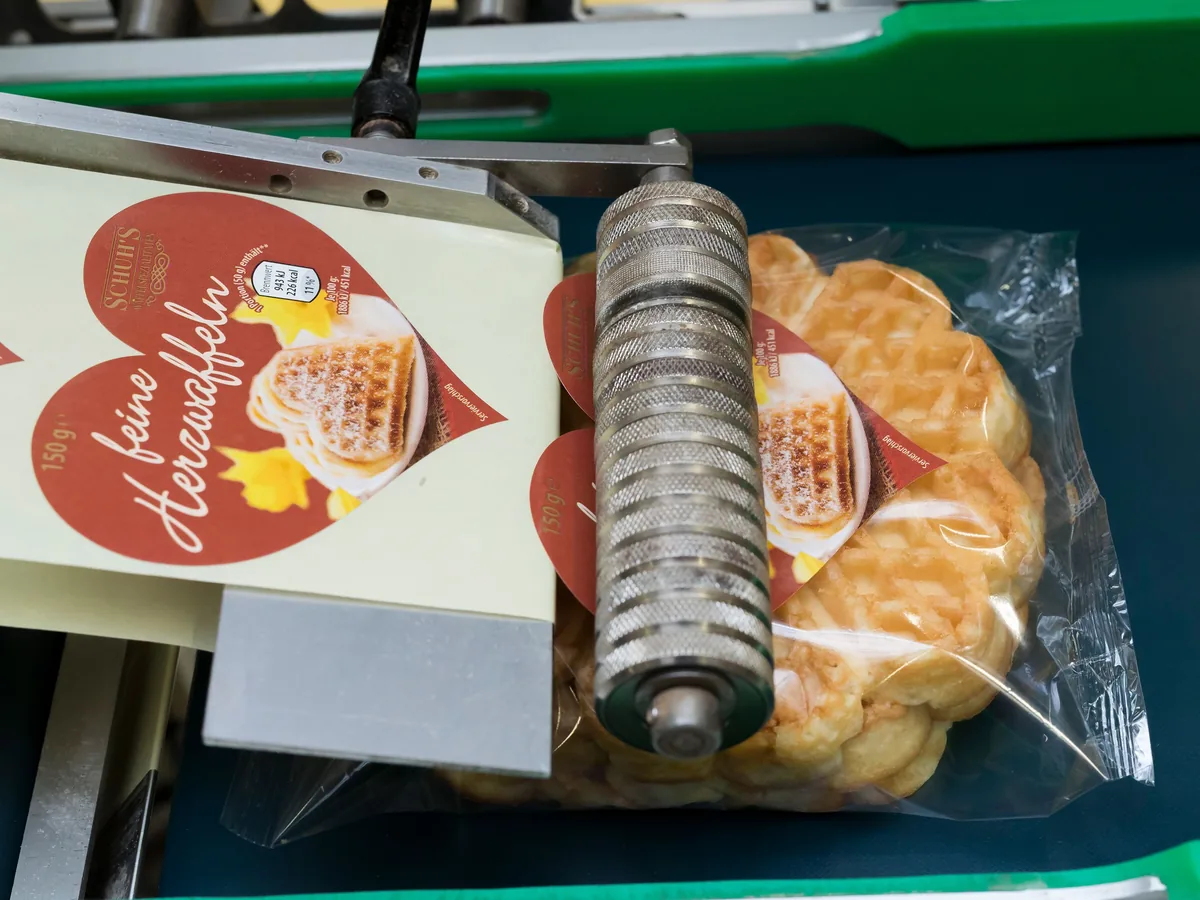
Automatic product labeling
Label dispensing and print-and-apply on the production line — plus thermal transfer ribbons for printing the labels themselves.
01 What it is
Product labeling, explained
Where a code or brand needs to go on a label rather than directly on the pack, a labeling system applies it automatically as products pass. PACODE’s Weber range covers pre-configured and configurable label dispensers and a print-and-apply system that prints variable data on the label first.
For the label printing itself, PACODE supplies thermal transfer ribbons from IIMAK and Dikai in wax, wax-resin, resin and near-edge grades, along with colour and UV-invisible security ribbons.
What can be printed
- Pre-printed labels
- Alpha Entry and Alpha Compact dispensers
- Variable-data labels
- Legi-Air 2050 prints (ZPL, DPL, IPL, TPL) then applies
- Skip function
- Automatic detection of missing labels / bad tags
- Covert marks
- UV-invisible resin ribbon
Configuration names refer to PACODE’s published comparison tables.
02 Where it is used
Industries and products
- Pharmaceutical Labels with covert UV-invisible marking (ribbon manufacturer’s listed market). Industry page
- AlsoAny line applying pre-printed or variable-data labels to products.
01 Industry
02 Application
03 Technologies
Technology options compared
Select a technology for its method, print height, surfaces and the PACODE models that apply.
Labeling Systems
Up to 600 labels/min (Alpha Compact); print & apply (Legi-Air 2050)
Consumables
Ribbons for printing labels
04 Recommended equipment
PACODE products for product labeling
Based on the applications PACODE states for each model and the capabilities in its published specifications.
-

Weber Labeling
Alpha Entry
A pre-configured standard label dispenser in left- and right-hand versions, with performance peaks up to 100 labels per minute.
- Output
- Up to 100 labels/min
- Position accuracy
- ±2 mm
- Max. speed
- 0–30 m/min
-
Weber Labeling
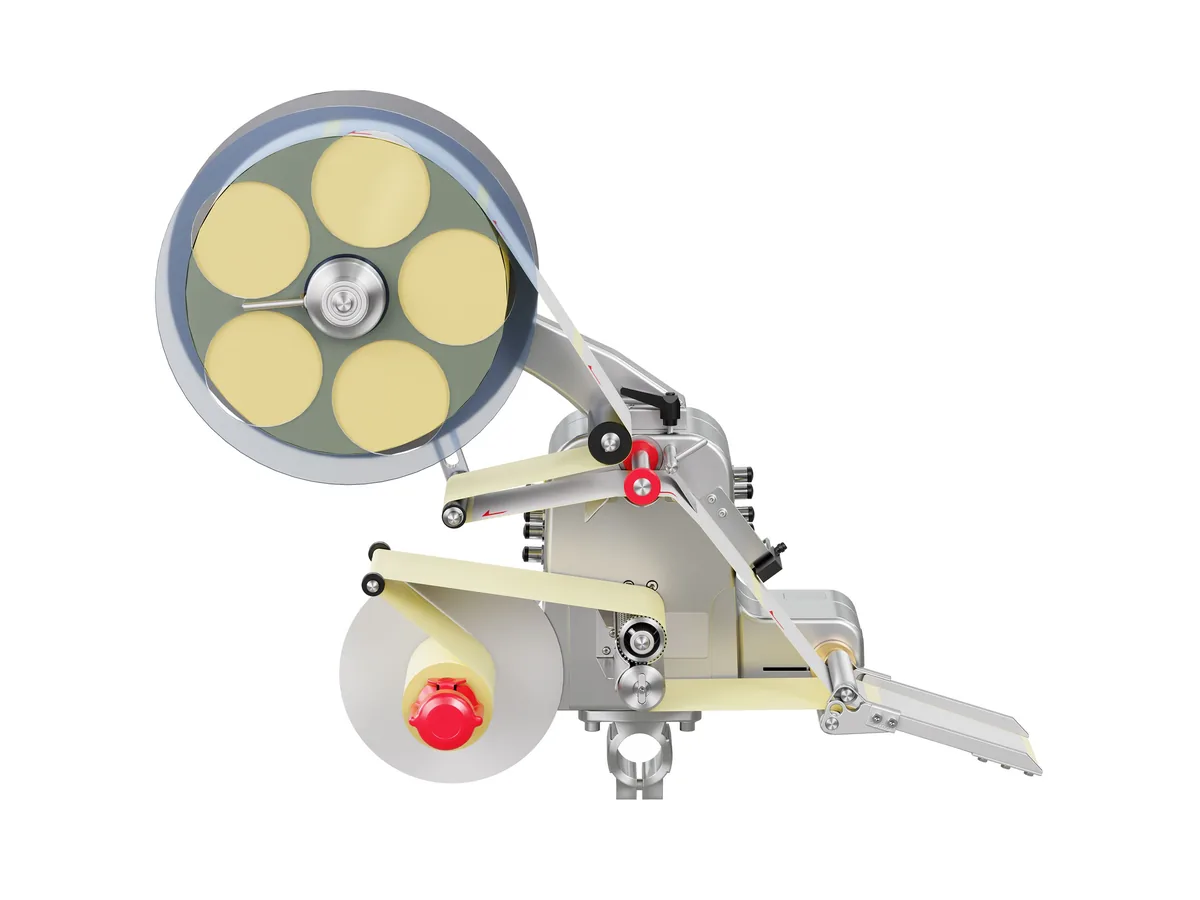
Alpha Compact
A configurable label dispenser with integrated applicator control and USB interface — performance peaks up to 600 labels per minute.
- Output
- Up to 600 labels/min
- Position accuracy
- ±0.8 mm
- Max. speed
- 0–70 m/min
-
Weber Labeling
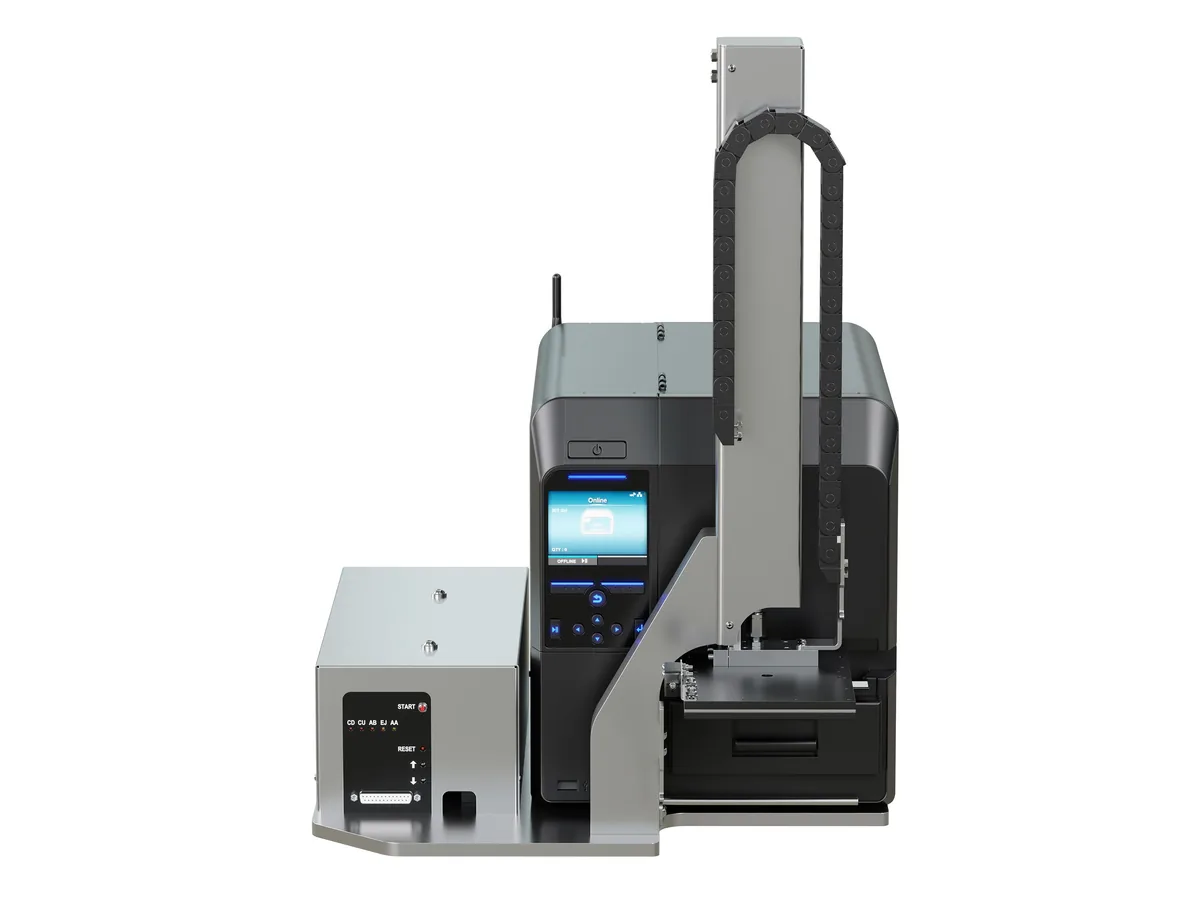
Legi-Air 2050
A compact label print-and-apply system for automated production lines, built around a SATO CLNX-series printer.
- Output
- 25 labels/min at 80 × 60 mm
05 Typical examples
What the code looks like
2609A0142
Illustrations generated by PACODE to show the kinds of content equipment for product labeling can print according to its specifications — not photographs of actual print output. Sample data is fictitious.
Materials
Surfaces it works on
-
Paper, vellum, matte coated, semi-gloss and gloss receivers (IIMAK GP725).
Source: IIMAK GP725 datasheet (PACODE-hosted PDF) (opens in a new tab)
-
Labels from 40 × 30 mm up to DIN A6 and bigger (Legi-Air 2050).
Source: PACODE website — Legi-Air 2050 (previous site: /legi-air-2050/)
Consumables
Thermal transfer ribbons06 How it works
Step by step
Questions
Frequently asked
How fast can labels be applied?
Alpha Compact reaches performance peaks of up to 600 labels per minute and Alpha Entry up to 100 labels per minute. Legi-Air 2050 prints and applies 25 labels per minute at 80 × 60 mm.
How accurate is label placement?
Weber states position accuracy up to ±0.8 mm for Alpha Compact and up to ±2 mm for Alpha Entry.
Can the system print the label too?
Yes. Legi-Air 2050 is a print-and-apply system with a SATO CLNX-series printer that works with the ZPL, DPL, IPL and TPL printer languages.
Related applications

Product labeling · request a quote
Tell us what you need to print.
Share your product, substrate and line speed, and PACODE will recommend the right technology and model. We reply to enquiries within 24 hours.