- 01
Design on a PC
Print images are created in PCset / PCset graphic (REINER) or loaded by USB stick (X1JET HP HandHold).
- 02
Take it to the product
Rechargeable batteries power the printers — REINER lists up to 1,000 impressions per charge for the jetStamp 1025, graphic 970, 940 and speed-i-Jet 798.
- 03
Print by hand
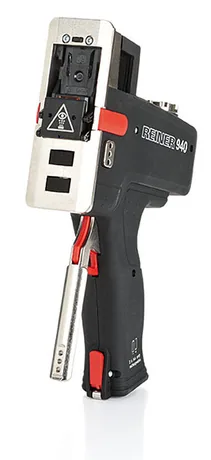
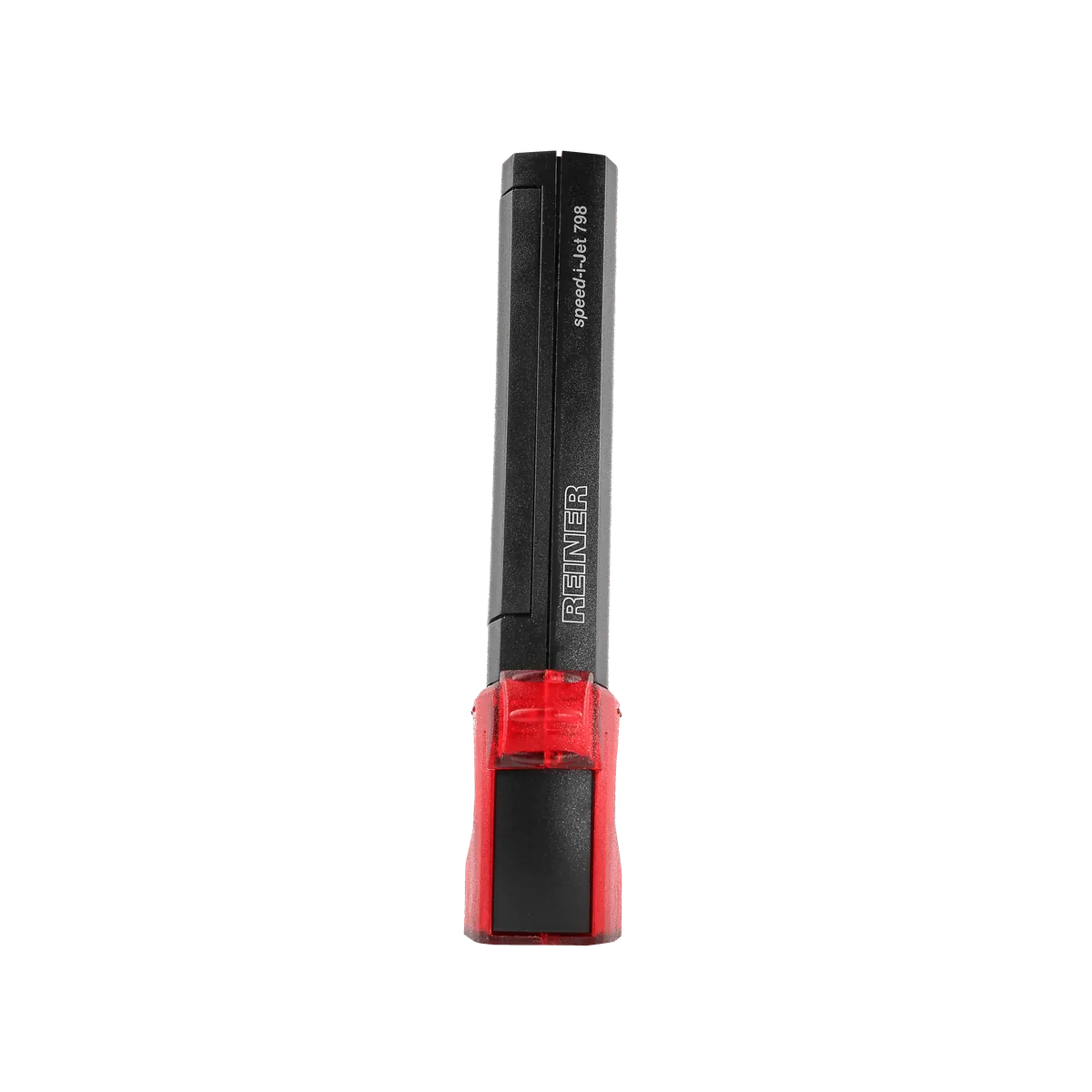
Press to print (jetStamp 1025), roll across the surface (REINER 940) or drag and press the trigger (speed-i-Jet 798).
04Application
Mobile & manual marking
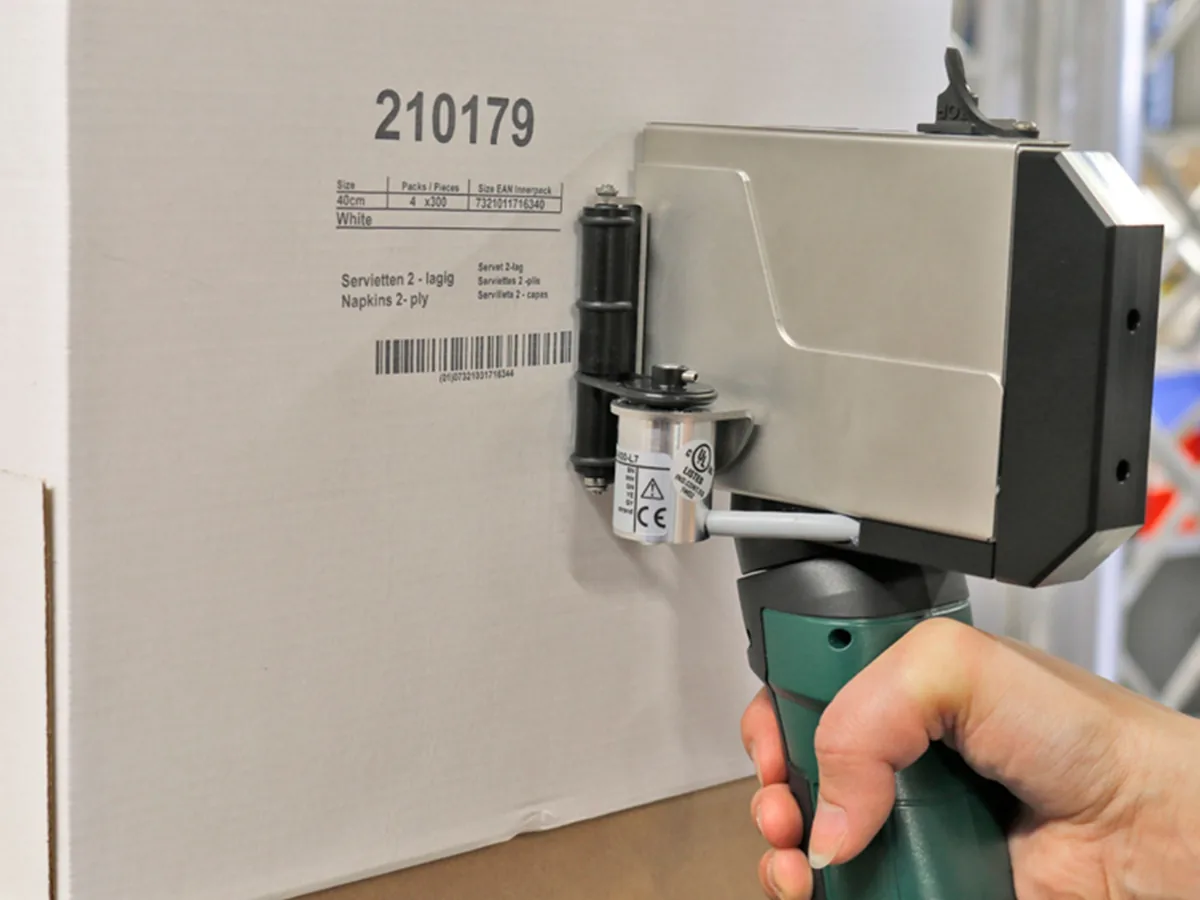
Battery-powered printers that bring the code to the product — for pallets, timber, large parts, uneven surfaces and small batches away from a production line.
01 What it is
Mobile & manual marking, explained
Mobile marking is for everything a fixed coder cannot reach. PACODE’s handheld range covers pocket markers for one line of text, rolling printers for long imprints, and stamp-style printers that print at the touch of a button without moving the device.
Print images are created on a PC and transferred to the printer. Codes can include text, numbers, dates and times, graphics and — on the larger models — 1D and 2D barcodes, including consecutively numbered codes.
What can be printed
- Text, numbers, date & time
- All handheld models
- Graphics & logos
- jetStamp 1025, jetStamp graphic 970, REINER 940
- 1D / 2D barcodes
- jetStamp 1025; graphic 970 and 940 per REINER datasheets
- Stored print images
- 1 (798) · 4 (970, 940) · up to 255 (1025, REINER datasheet)
Configuration names refer to PACODE’s published comparison tables.
02 Where it is used
Industries and products
-

- AlsoCardboard and packaging, parts and documents — as listed on PACODE’s REINER pages.
03 Technologies
Technology options compared
Select a technology for its method, print height, surfaces and the PACODE models that apply.
Handheld Inkjet Printers
Battery powered; stored print images; USB, Bluetooth or Wi-Fi transfer
-
-
-
-
-
- REINERjetStamp 790 MP / 792 MP
04 Recommended equipment
PACODE products for mobile & manual marking
Based on the applications PACODE states for each model and the capabilities in its published specifications.
-
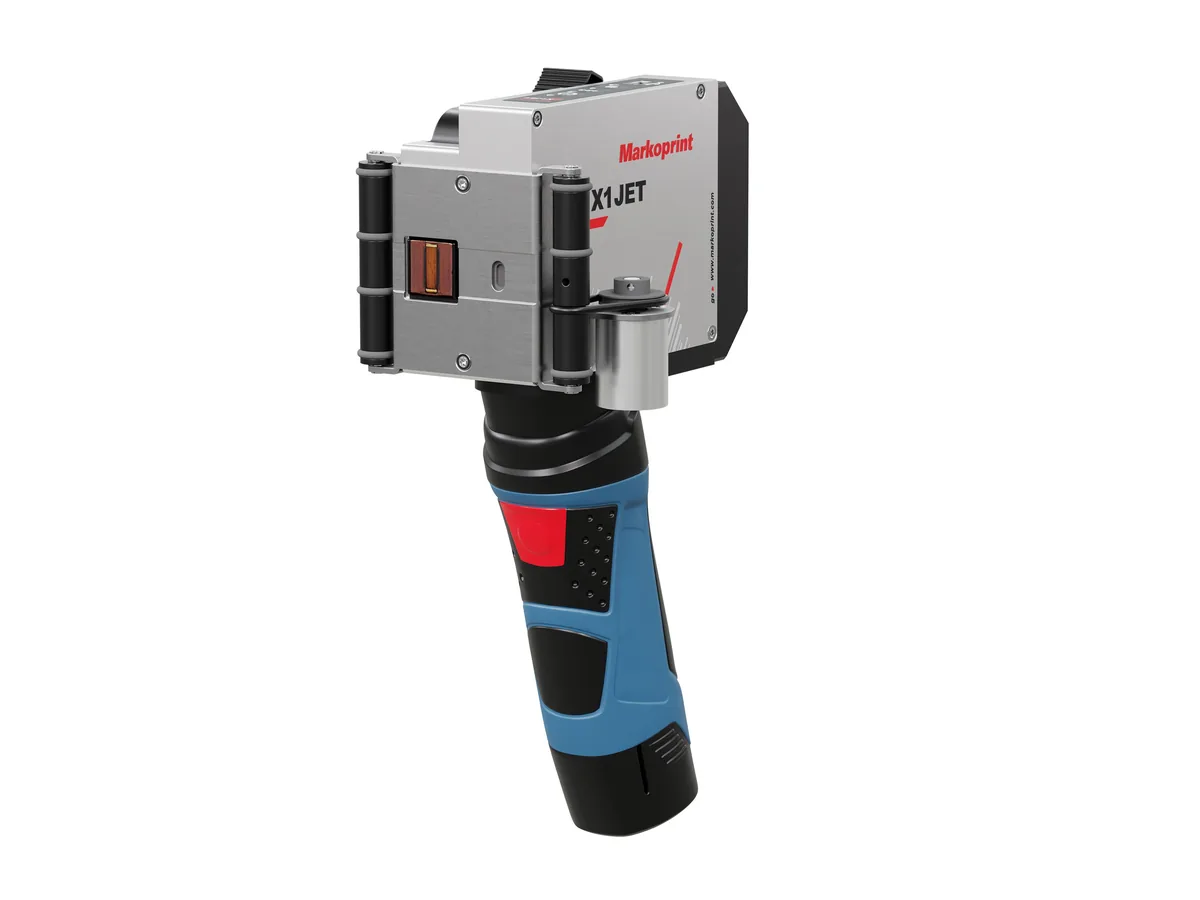
Markoprint Handheld
X1JET HP HandHold
A battery-powered HP Class printer for high-resolution marking in several locations, without being fixed to a production line.
- Max. print height
- 12.5 mm
- Weight
- 1.2 kg
- Protection
- IP40
-
REINER Handheld
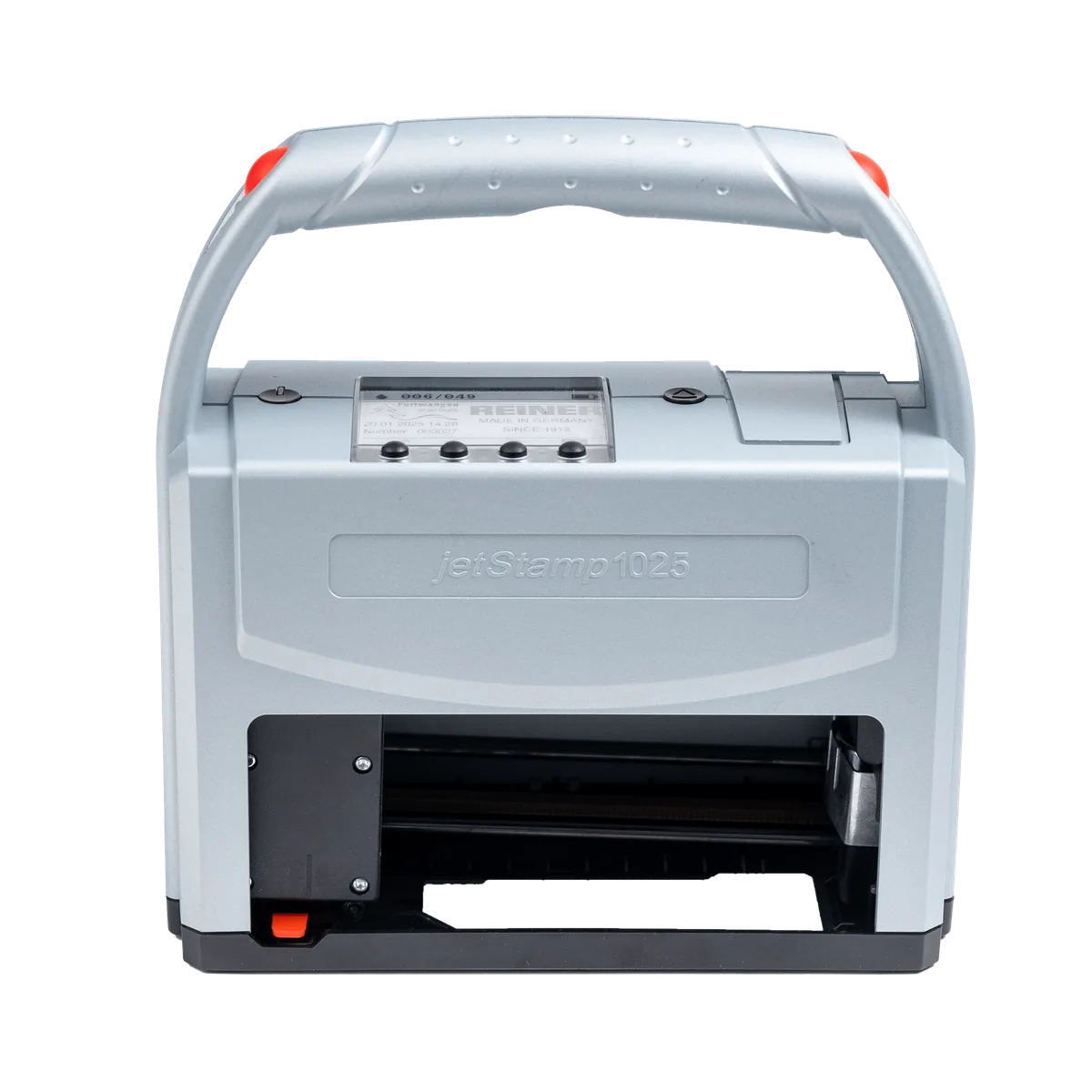
jetStamp 1025
A 100% mobile marking device that prints up to 25 mm high from a single cartridge — for pallets, cartons, packaging and parts.
- Max. print height
- 25 mm
- Resolution
- 300 dpi
- Weight
- approx. 900 g
-
REINER Handheld
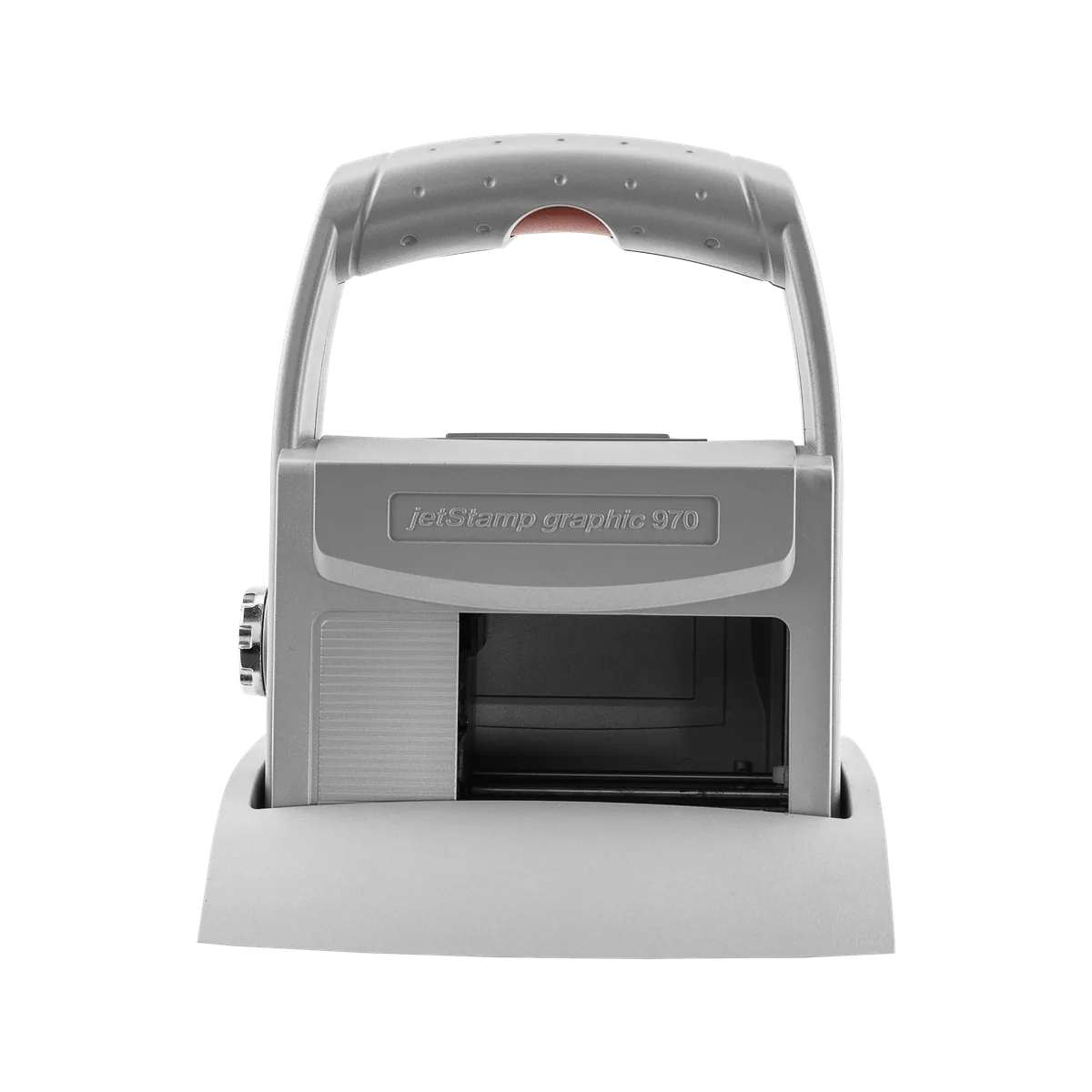
jetStamp graphic 970
A handy mobile inkjet printer for numbers, dates, text, graphics and barcodes — including machine-readable marks on metal and plastic.
- Max. print height
- 12.7 mm
- Resolution
- 300 dpi
- Weight
- approx. 520 g
-
REINER Handheld
940
A 530 g mobile inkjet printer that marks by rolling across the surface — multi-line text, graphics and barcodes, up to 140 mm long.
- Max. print height
- 12.7 mm
- Max. speed
- 400 mm/s
- Weight
- 530 g
-
REINER Handheld
speed-i-Jet 798
A pocket-sized inkjet marker for single-line text, consecutive numbers, dates and times — drag it across the surface and press the trigger.
- Max. print height
- 3.2 mm digit height
- Resolution
- 96 dpi
- Weight
- approx. 125 g
- Handheld inkjet stamp
REINER Handheld
jetStamp 790 MP / 792 MP
Electronic inkjet stamps for one- and two-line number, date, time and text prints on flat and uneven surfaces — including metal and plastic.
- Display
- LCD
05 Typical examples
What the code looks like
2609A0142
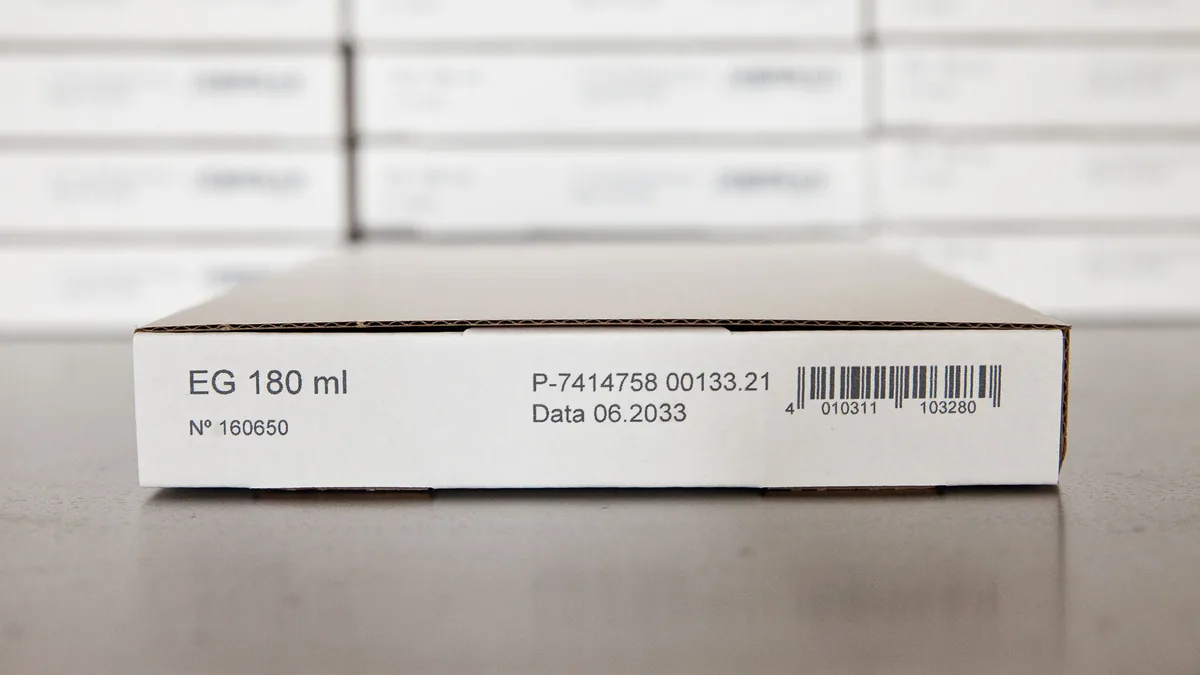
Illustrations generated by PACODE to show the kinds of content equipment for mobile & manual marking can print according to its specifications — not photographs of actual print output. Sample data is fictitious.
Materials
Surfaces it works on
-
Paper, cardboard, wood, metal, plastics and textiles (jetStamp 1025).
Source: PACODE website — jetStamp 1025 (previous site: /jet-stamp-1025-2/)
-
Flat and uneven surfaces; metal and plastic with MP ink (jetStamp 790/792 MP).
Source: PACODE website — jetStamp 790 MP (previous site: /jet-stamp-790-mp/)
06 How it works
Step by step
Questions
Frequently asked
How many prints does a battery charge give?
REINER lists up to 1,000 impressions per charge for the jetStamp 1025, jetStamp graphic 970, REINER 940 and speed-i-Jet 798. PACODE does not quantify the X1JET HP HandHold battery.
Can a handheld printer print barcodes?
Yes. The jetStamp 1025 prints continuous 1D and 2D barcodes; the jetStamp graphic 970 and REINER 940 print barcodes, including consecutively numbered or dated barcodes.
Which surfaces can be marked?
It depends on the model and ink. PACODE lists paper, cardboard, wood, metal, plastics and textiles for the jetStamp 1025, and MP ink for metal and plastic on the MP series.
Related applications

Mobile & manual marking · request a quote
Tell us what you need to print.
Share your product, substrate and line speed, and PACODE will recommend the right technology and model. We reply to enquiries within 24 hours.