- 01
Connect the data
Data comes from the layout, a database (DBPrint), or externally — Integra Quadro² is fed by a PC, network location or PLC; Integra Quadro sends real-time data 1:1.
- 02
Encode the symbol
The printer builds the 1D barcode or 2D code from fixed text, counters, dates and variables in the layout.
- 03
Print at barcode speed
PACODE’s tables give a separate maximum recommended speed for barcode applications (marked *), so codes stay readable at line speed.
02Application
Barcode & 2D code printing
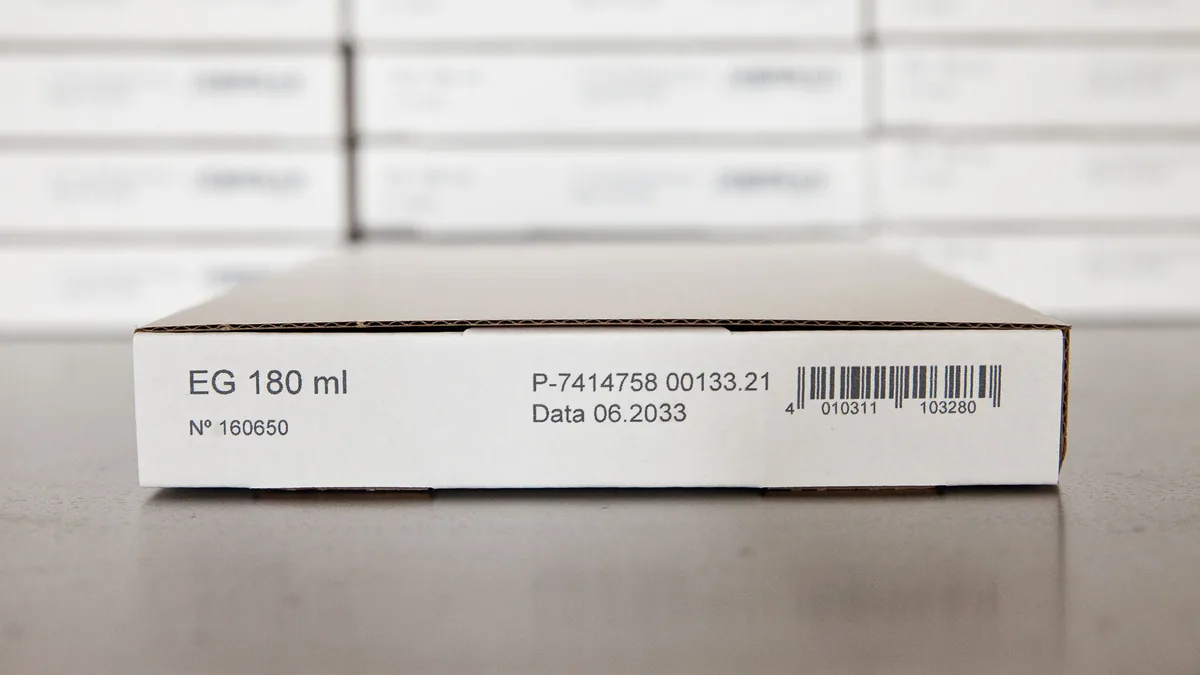
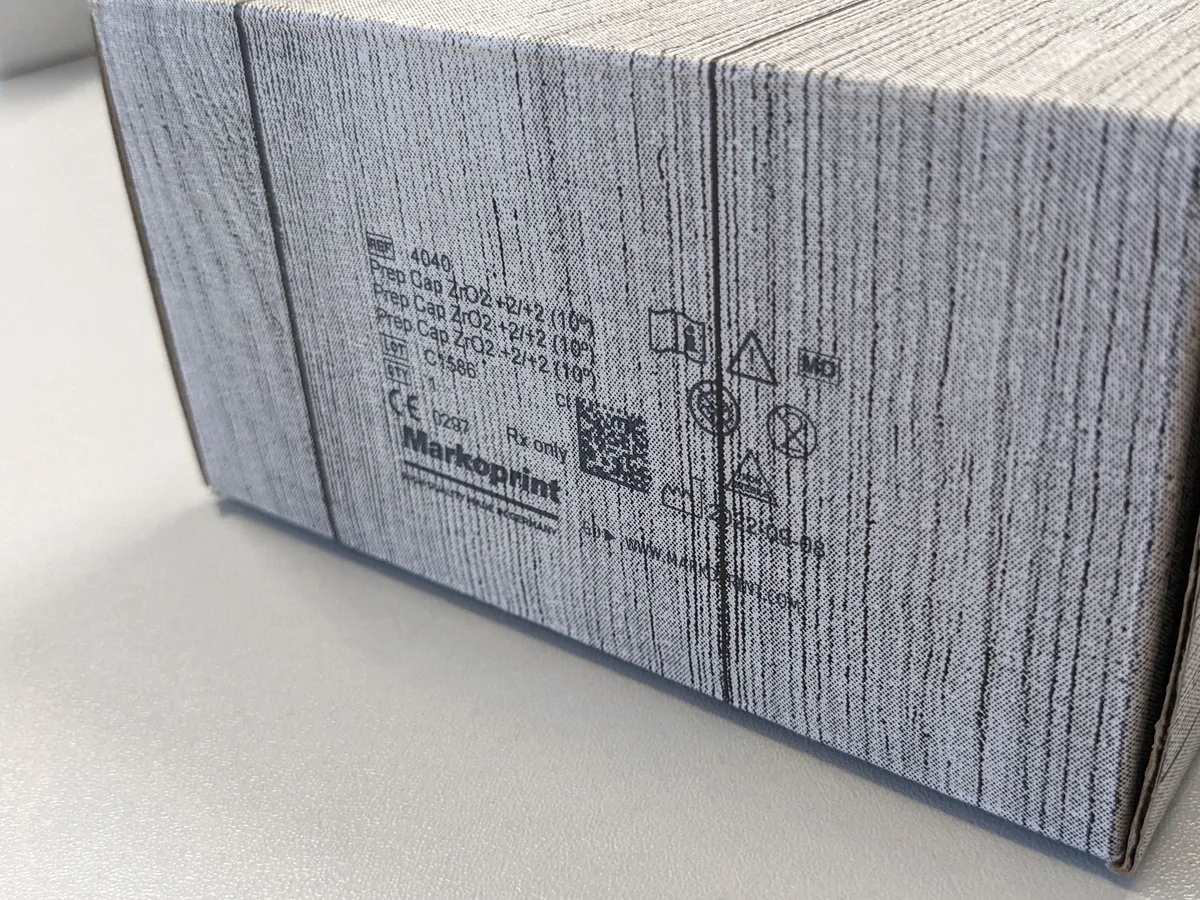
1D barcodes and DataMatrix codes printed inline on packs and cartons — with counters, date offsets and variable data from a database or a PLC.

01 What it is
Barcode & 2D code printing, explained
Barcode and 2D code printing puts machine-readable data directly on the pack. PACODE’s comparison tables show which configurations support it: 1D barcodes from the Advanced configuration and 2D codes in the Pro configurations of X1JET and Integra PP 108; 1D/2D in the Advanced and Pro configurations of Integra One and in IP-JET HP.
Where codes change for each pack, the data can come from outside the printer. The Pro configurations include DBPrint, Integra Quadro transfers real-time data to its printheads 1:1 without batch processing, and Integra Quadro² takes its data from a PC, network location or PLC.
What can be printed
- 1D barcodes
- Advanced configuration and above (X1JET, PP 108)
- 2D / DataMatrix codes
- Pro configurations; Integra One Advanced and Pro
- Counters & variables
- Advanced and above; variables “with HMI” on X1JET
- Database printing
- DBPrint in Pro configurations
- Recommended barcode speed
- Marked * in PACODE’s tables — e.g. 60 m/min on Integra One Pro
Configuration names refer to PACODE’s published comparison tables.
02 Where it is used
Industries and products
- Pharmaceutical DataMatrix and 1D codes on cartons and labels. Industry page
-
-

01 Industry
02 Application
03 Product
- X1JET HP Markoprint
- X1JET HP Stitch Markoprint
- X1JET HP HandHold Markoprint
- X1JET LX Markoprint
- X1JET MX Markoprint
- X1JET XR Markoprint
- Integra One / One IP Markoprint
- IP-JET HP Markoprint
- Integra PP 108 Markoprint
- X2JET / X4JET Markoprint
- Integra Quadro Markoprint
- Integra Quadro² Markoprint
- jetStamp 1025 REINER
- jetStamp graphic 970 REINER
- 940 REINER
03 Technologies
Technology options compared
Select a technology for its method, print height, surfaces and the PACODE models that apply.
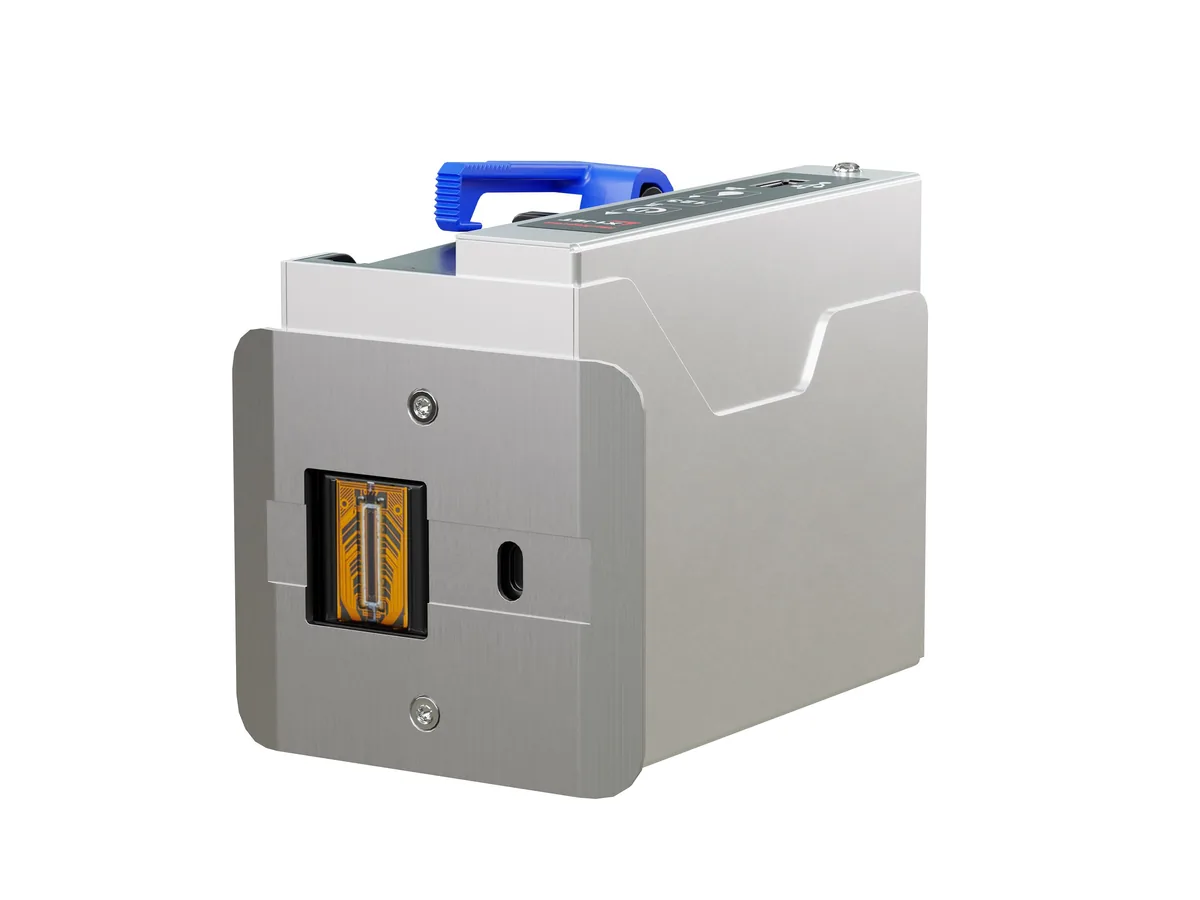
Thermal Inkjet Printers
High-resolution codes up to 600 dpi on primary packs
-
-
-
-
-
-
Inkjet Print Controllers
Several heads and lines; real-time data from PC, network or PLC
Large-Character Inkjet Printers
Barcodes and DataMatrix codes on outer cartons
Handheld Inkjet Printers
Sequential 1D and 2D codes marked by hand
04 Recommended equipment
PACODE products for barcode & 2d code printing
Based on the applications PACODE states for each model and the capabilities in its published specifications.
-
Markoprint Thermal inkjet
X1JET HP
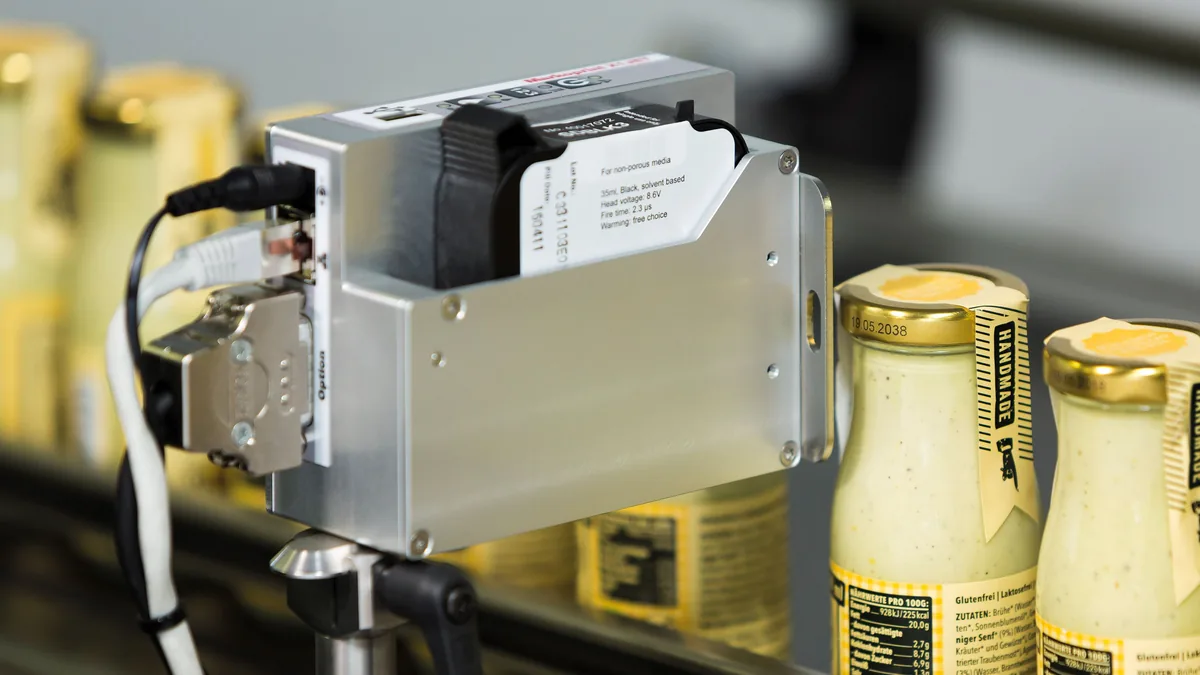
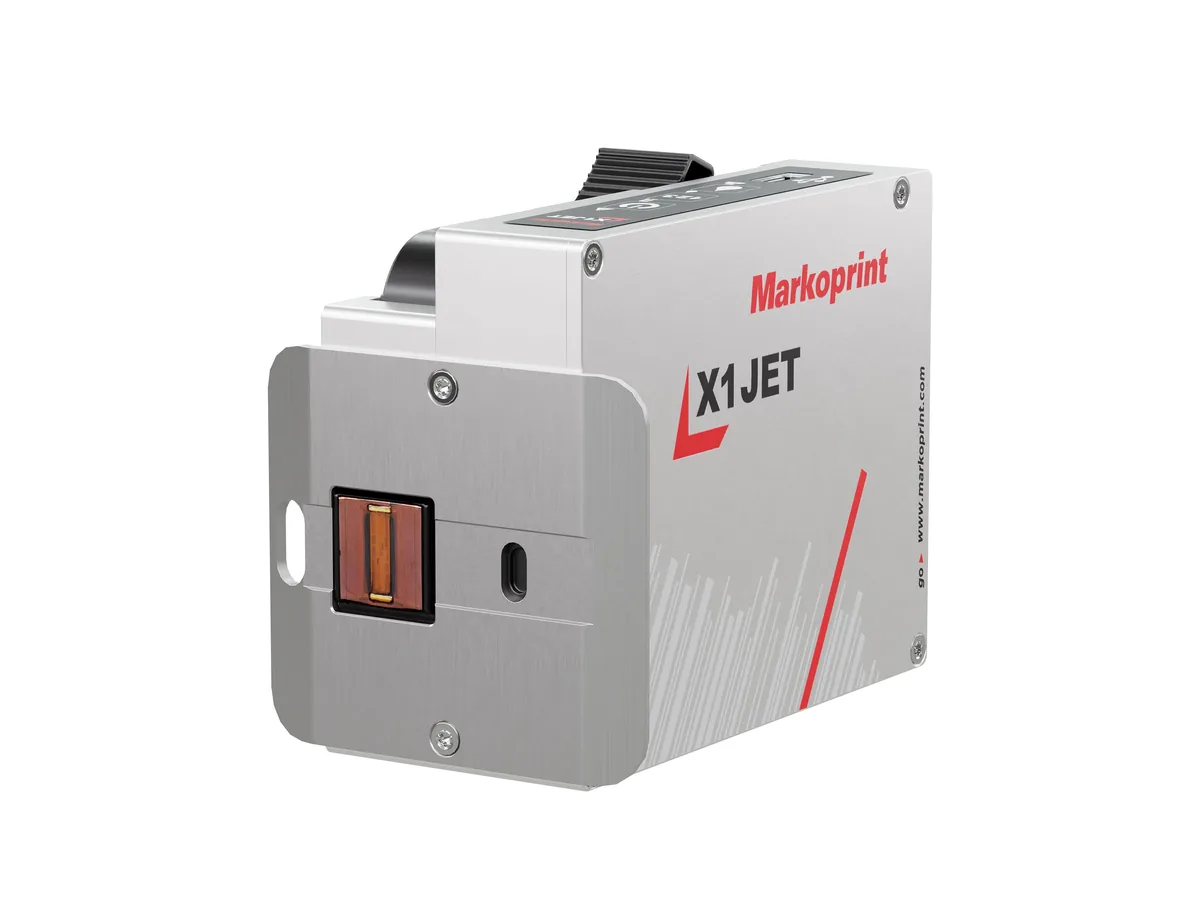
A compact all-in-one thermal inkjet coder — controller and printhead in one aluminium housing — for 12.5 mm codes on absorbent and semi-absorbent surfaces.
- Max. print height
- 12.5 mm
- Max. speed
- 90 m/min (Pro)
- Protection
- IP40
-
Markoprint Thermal inkjet
X1JET HP Stitch
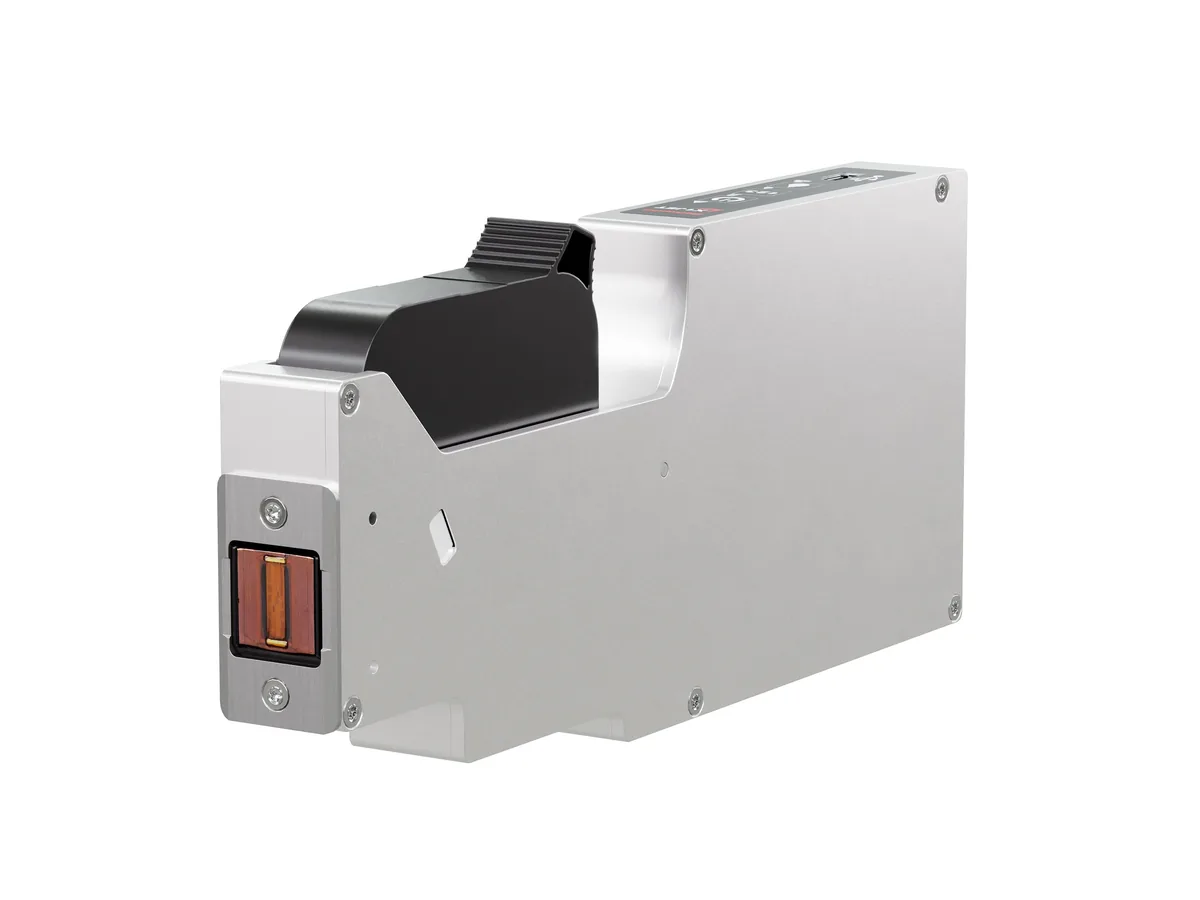
A slim HP Class thermal inkjet printer with its electronics behind the cartridge — for tight installation spaces and multi-lane packaging lines.
- Max. print height
- 12.5 mm per head
- Printheads
- Cascade up to 8
- Dimensions (L/W/H)
- 232 × 26 × 102 mm
-
Markoprint Handheld
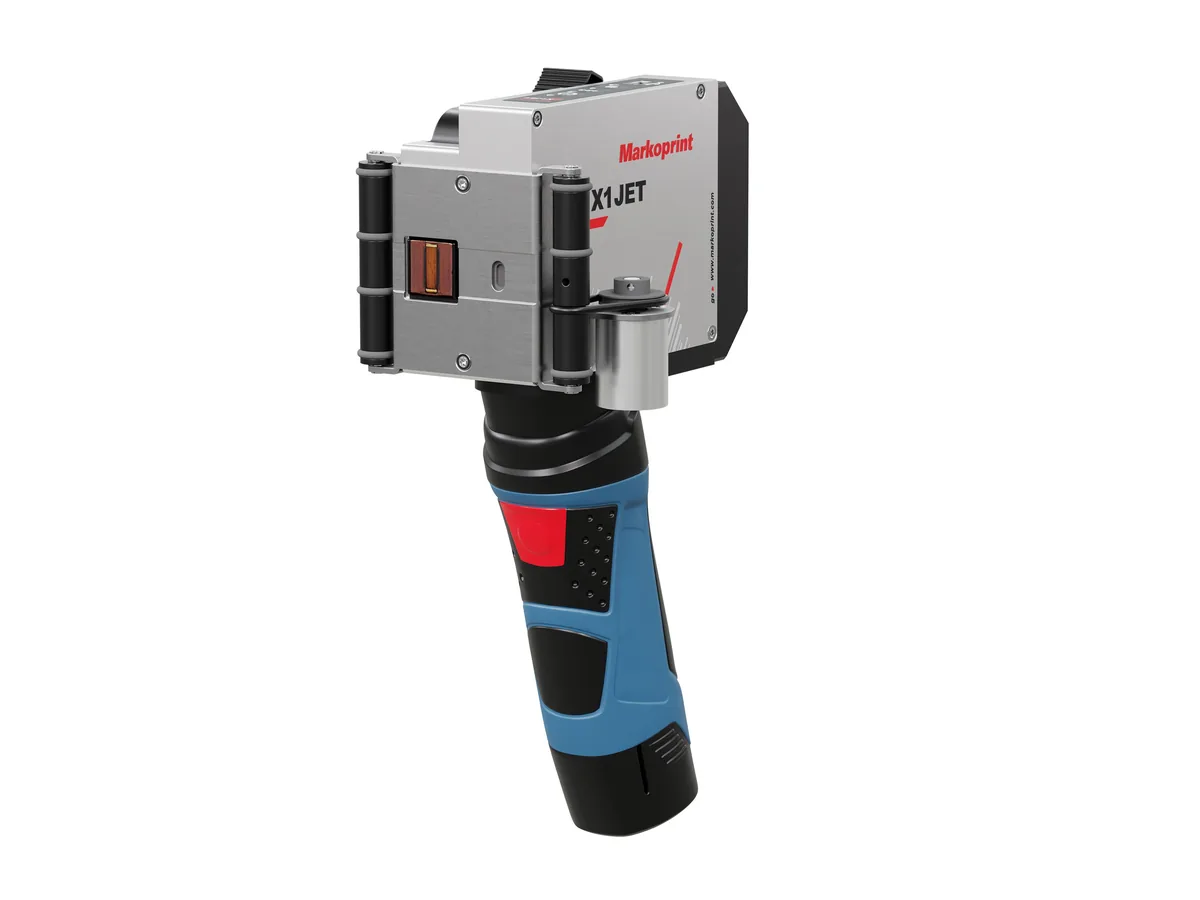
X1JET HP HandHold
A battery-powered HP Class printer for high-resolution marking in several locations, without being fixed to a production line.
- Max. print height
- 12.5 mm
- Weight
- 1.2 kg
- Protection
- IP40
-
Markoprint Thermal inkjet
X1JET LX
A cost-effective all-in-one inkjet coder with LX Class printing technology and a double-nozzle-row printhead for high-resolution prints.
- Max. print height
- 12.5 mm
- Max. speed
- 90 m/min (Pro)
- Protection
- IP40
-
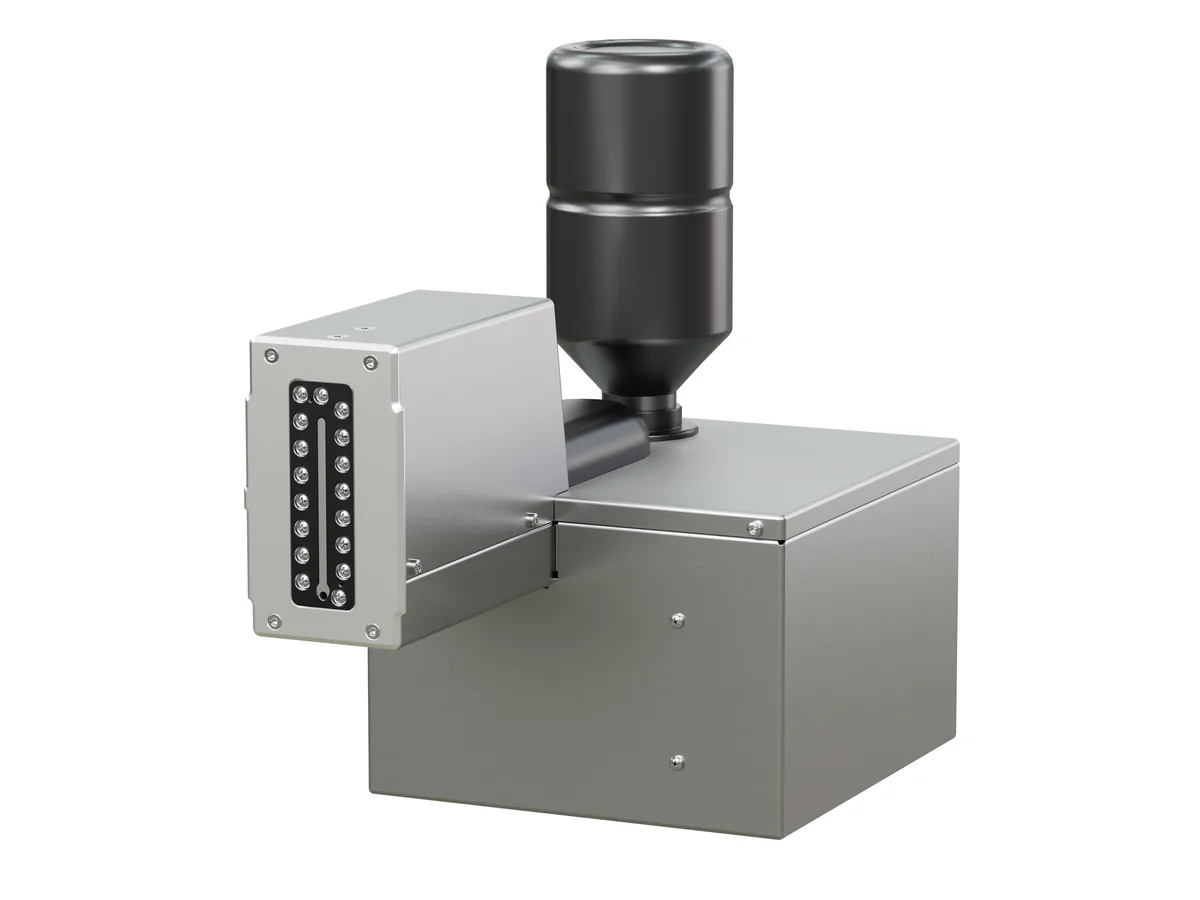
Markoprint Large-character
X1JET MX
An independent piezo inkjet printer for large print images directly on carton material, with a 50 or 100 mm printhead.
- Max. print height
- 50 / 100 mm
- Max. speed
- 90 m/min (Pro)
- Protection
- IP40
-
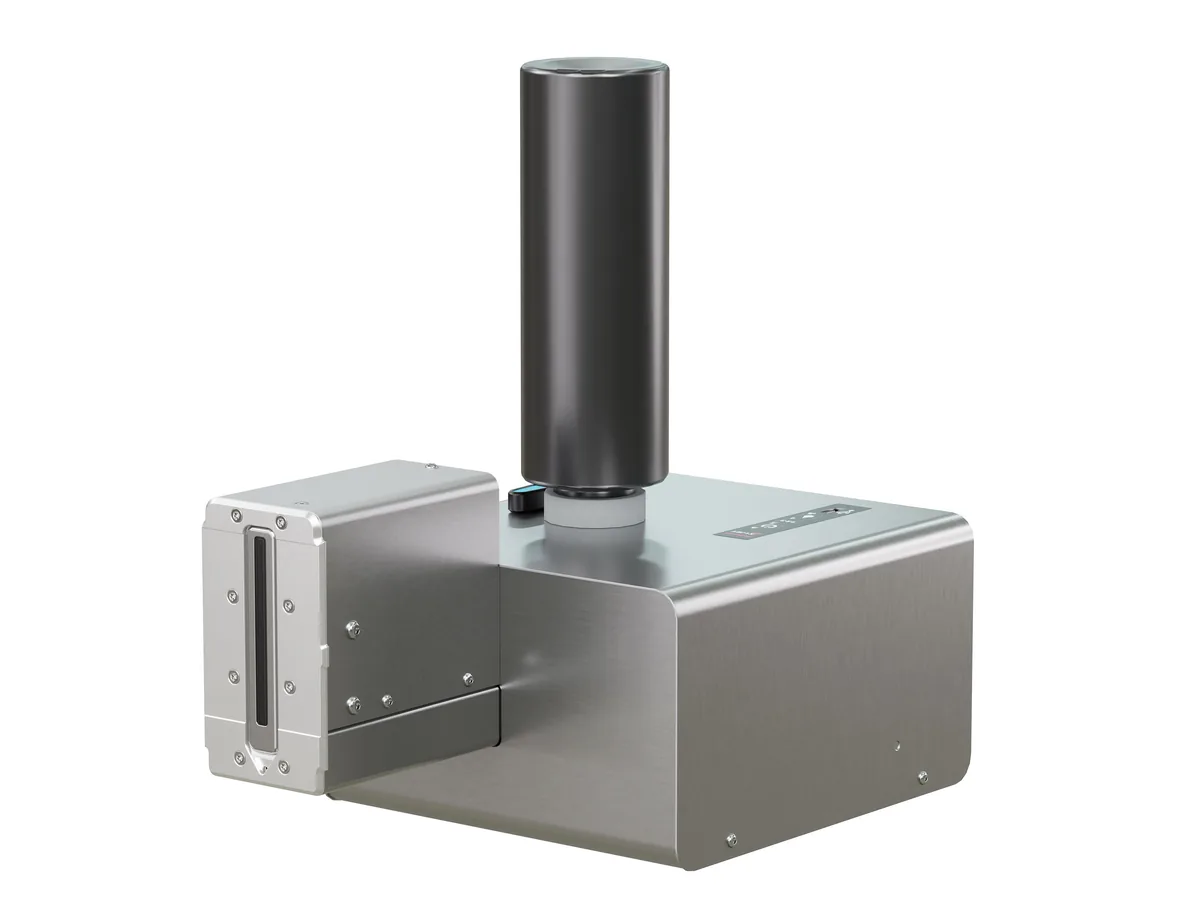
Markoprint Large-character
X1JET XR
A stand-alone XR Class piezo inkjet system printing up to 71 mm high — suited to painted folding boxes and absorbent surfaces.
- Max. print height
- 71 mm
- Max. speed
- 67 m/min (Pro)
- Protection
- IP40
-
Markoprint Thermal inkjet
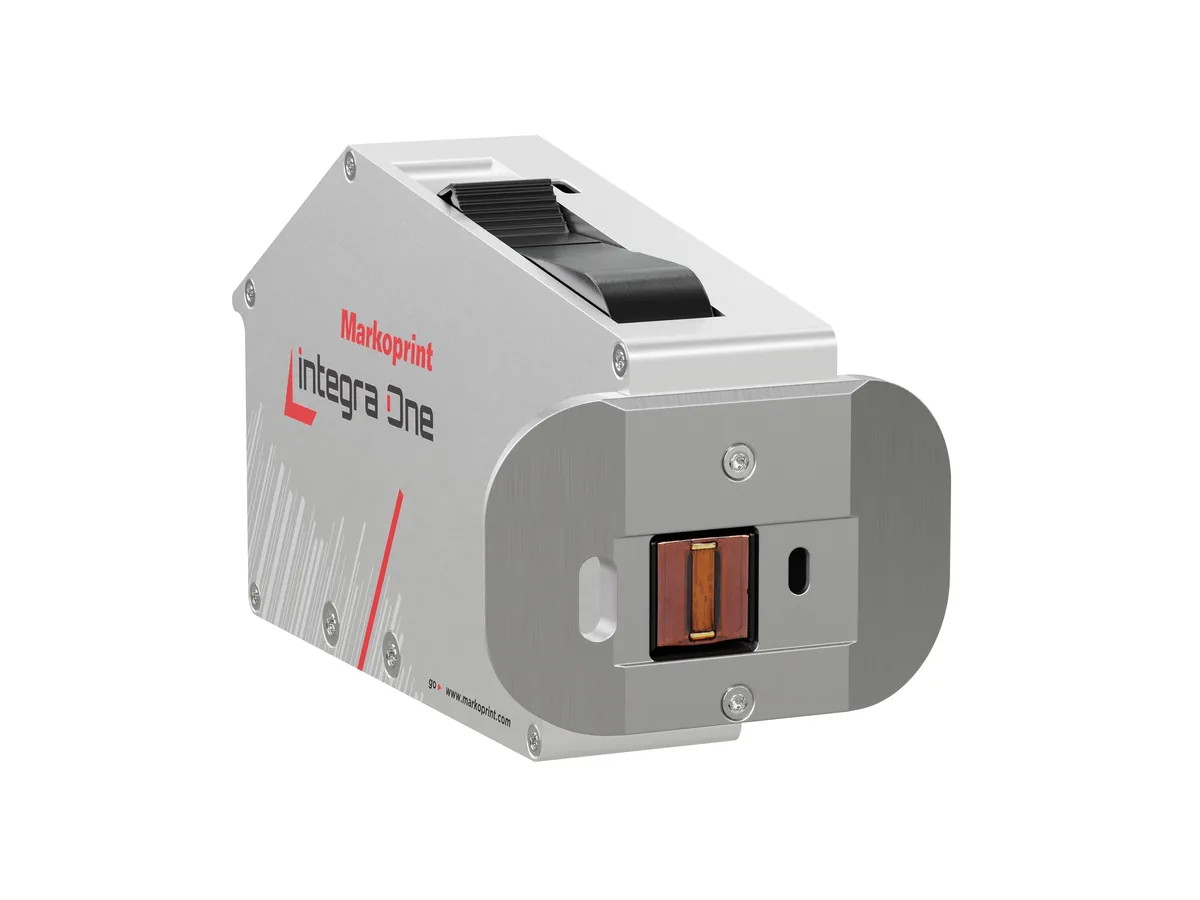
Integra One / One IP
An HP Class thermal inkjet printer with OLED display, designed for integration into production systems — the One IP version adds IP65 protection.
- Max. speed
- 180 m/min (Pro)
- Resolution
- Up to 600 dpi
- Protection
- IP40 · IP65 (One IP)
-
Markoprint Thermal inkjet
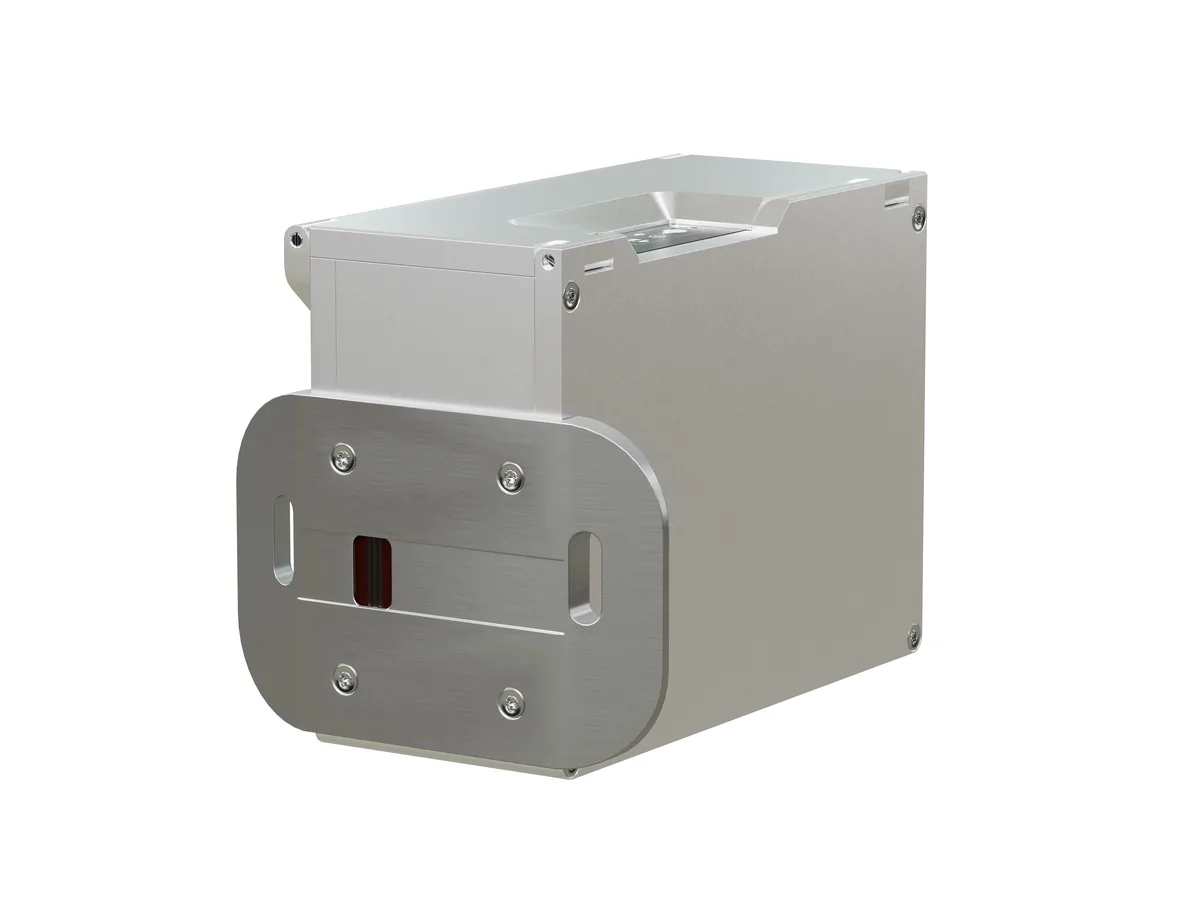
IP-JET HP
A sealed, pressurised all-in-one thermal inkjet printer rated IP65 — built for dusty and wet production areas.
- Protection
- IP65
- Resolution
- Up to 600 dpi
- Max. speed
- 180 m/min (Ultimate)
-

Markoprint Large-character
Integra PP 108
Markoprint’s first PP Class piezo printer: a circulating ink system keeps the nozzles free of air for a permanently clean print image.
- Max. speed
- 150 m/min (Ultimate)
- Resolution
- 360 dpi
- Protection
- IP40
-

Markoprint Print controllers
X2JET / X4JET
Compact, standalone print controllers with a 5.7″ touchscreen — X2JET drives 2 printheads, X4JET drives 4, on one or two production lines.
- Printheads
- 2 (X2JET) · 4 (X4JET)
- Production lines
- 2
- Display
- 5.7″ touch TFT
-
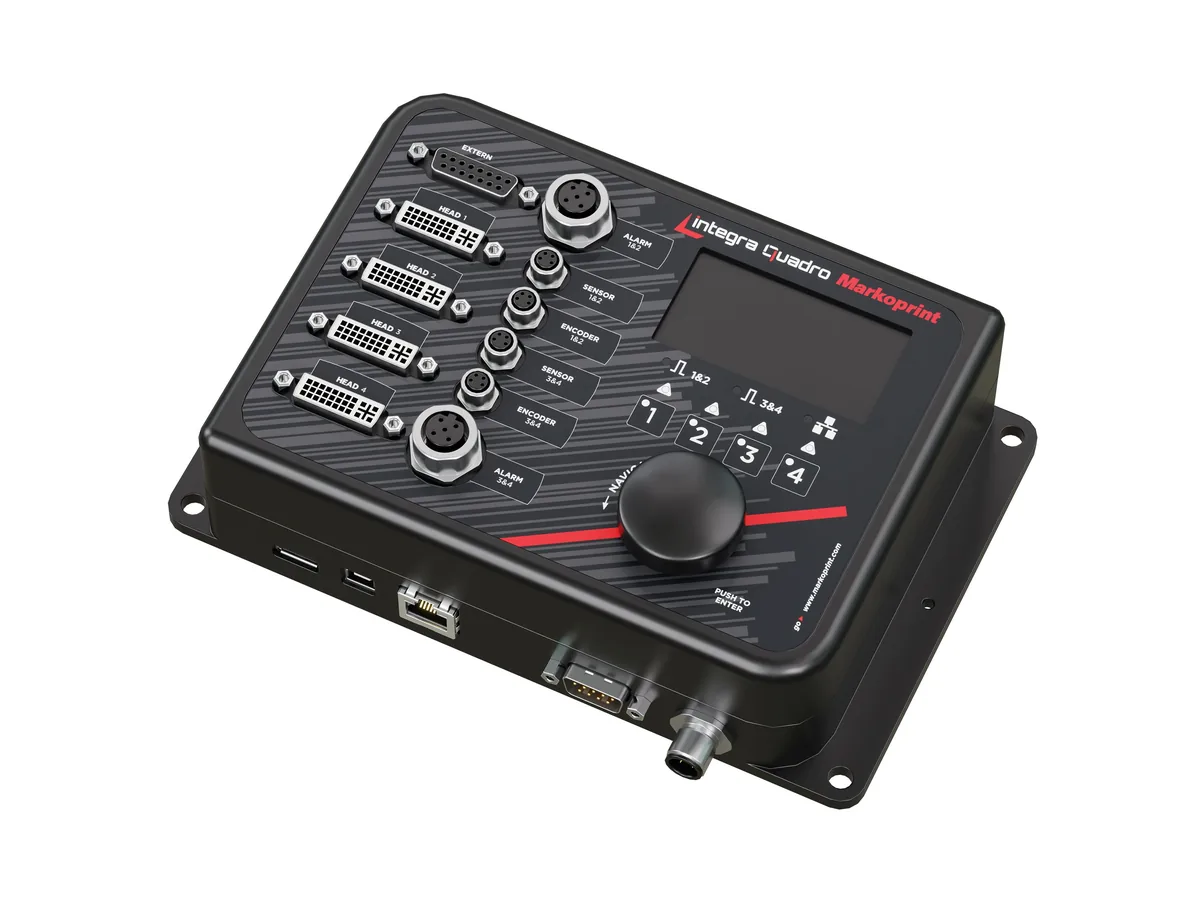
Markoprint Print controllers
Integra Quadro
A slim print controller for control panels that runs up to four inkjet printheads — or four print positions — on one or two production lines.
- Printheads
- 4
- Production lines
- 2
- Max. speed
- 240 m/min at 300 dpi
-

Markoprint Print controllers
Integra Quadro²
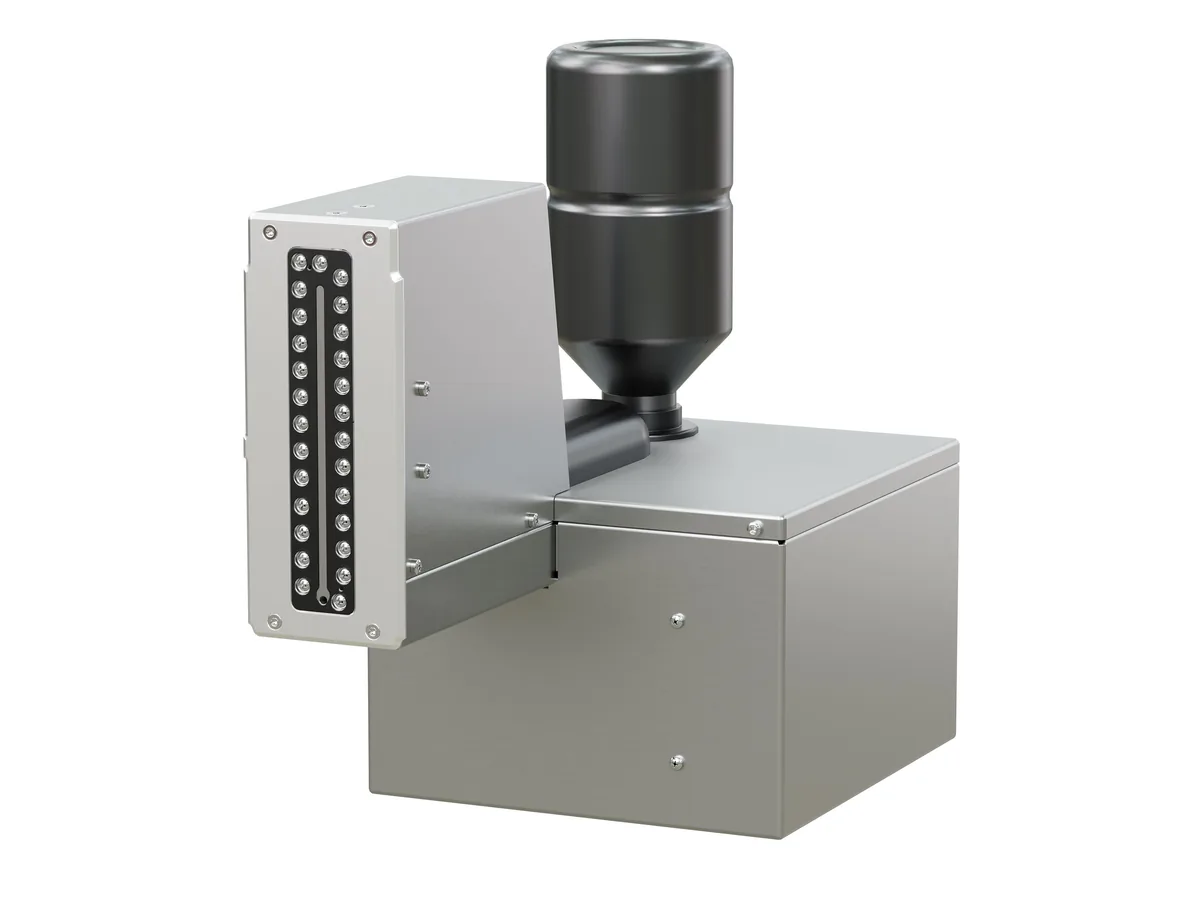
A headless inkjet system controller for up to 8 printheads on up to 4 production lines, fed with data from a PC, network or PLC.
- Printheads
- 8
- Production lines
- 4
- Display
- None
-
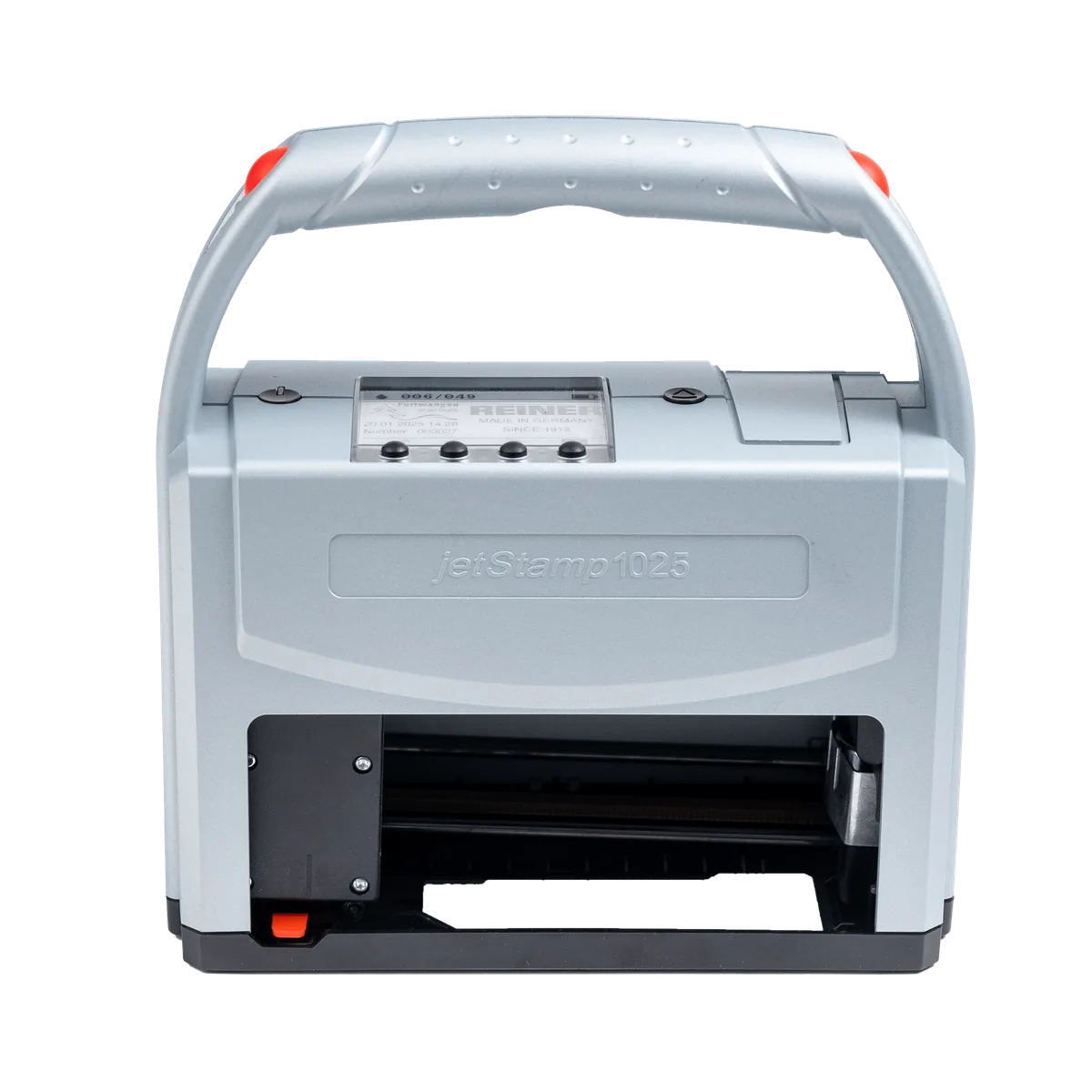
REINER Handheld
jetStamp 1025
A 100% mobile marking device that prints up to 25 mm high from a single cartridge — for pallets, cartons, packaging and parts.
- Max. print height
- 25 mm
- Resolution
- 300 dpi
- Weight
- approx. 900 g
-
REINER Handheld
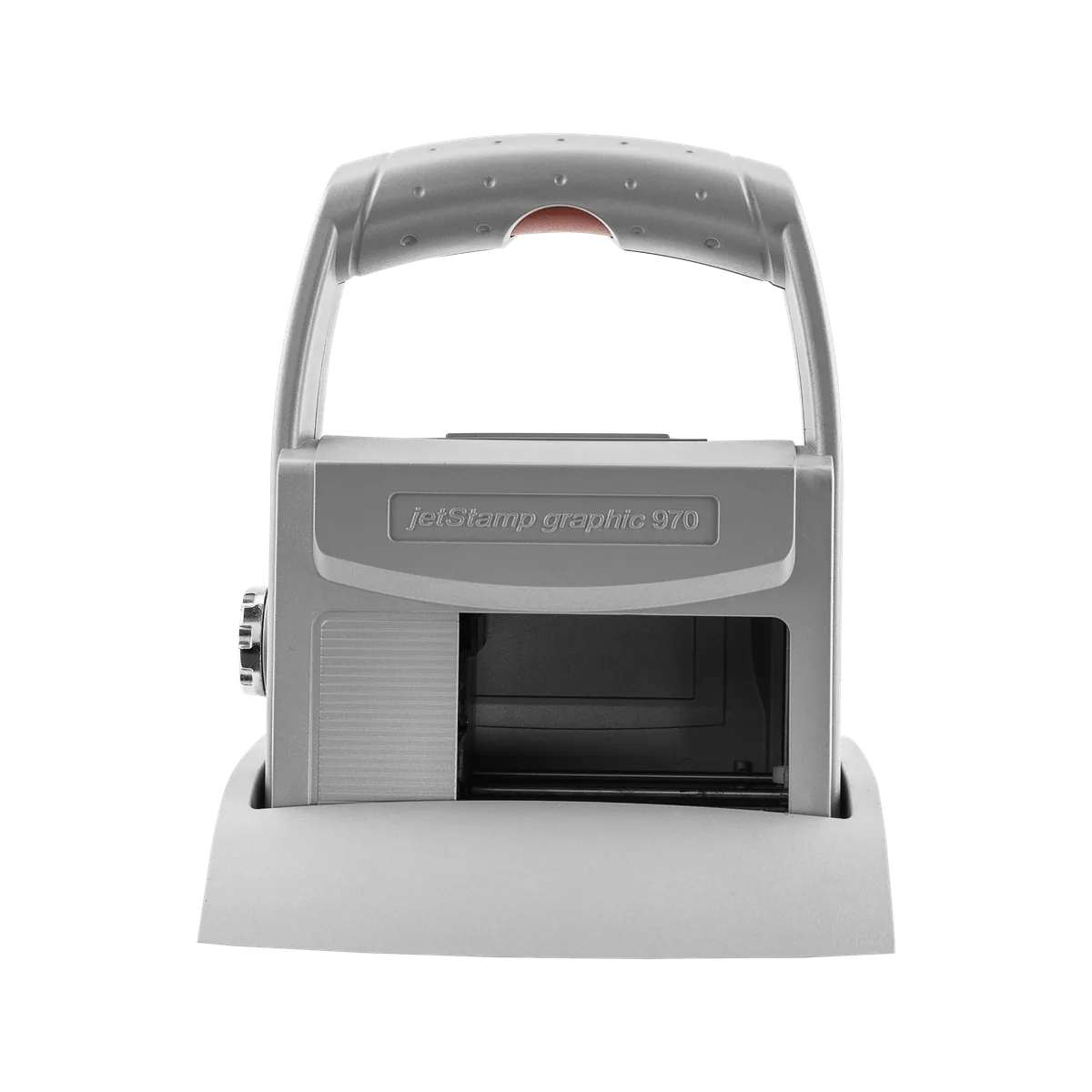
jetStamp graphic 970
A handy mobile inkjet printer for numbers, dates, text, graphics and barcodes — including machine-readable marks on metal and plastic.
- Max. print height
- 12.7 mm
- Resolution
- 300 dpi
- Weight
- approx. 520 g
-
REINER Handheld
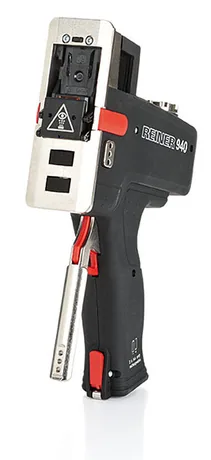
940
A 530 g mobile inkjet printer that marks by rolling across the surface — multi-line text, graphics and barcodes, up to 140 mm long.
- Max. print height
- 12.7 mm
- Max. speed
- 400 mm/s
- Weight
- 530 g
05 Typical examples
What the code looks like
2609A0142
LOT 2609A
EXP 09/2028
SN 0142
EXP 09/2028
SN 0142
Illustrations generated by PACODE to show the kinds of content equipment for barcode & 2d code printing can print according to its specifications — not photographs of actual print output. Sample data is fictitious.
Materials
Surfaces it works on
-
Paper, cardboard, painted surfaces, foils and plastics (IP-JET HP).
Source: PACODE website — IP-JET HP (previous site: /ip-jet-hp-2/)
-
Absorbent and non-absorbent surfaces, with water- and/or solvent-based inks (Integra One).
Source: PACODE website — Integra One (previous site: /integra-one-ip-2/)
Consumables
Thermal transfer ribbons06 How it works
Step by step
Questions
Frequently asked
Which printers can print DataMatrix codes?
Integra One prints DataMatrix codes; 2D codes are also available in the Pro configurations of X1JET and Integra PP 108, in IP-JET HP, and on X2JET / X4JET and X1JET MX. The jetStamp 1025 prints 1D and 2D barcodes by hand.
Is there a speed limit for barcodes?
PACODE’s comparison tables mark a separate maximum recommended speed for barcode applications — for example 180 m/min for text and 60 m/min for barcodes on Integra One Pro.
Can the data come from our own system?
Yes. The Pro configurations include DBPrint, Integra Quadro transfers real-time data 1:1 over Ethernet and USB, and Integra Quadro² is designed for data from a PC, network or PLC.
Related applications
Barcode & 2D code printing · request a quote
Tell us what you need to print.
Share your product, substrate and line speed, and PACODE will recommend the right technology and model. We reply to enquiries within 24 hours.