- 01
Create the layout
Layouts are designed on a PC — Markoprint iDesign for inkjet systems, PCset graphic for REINER handhelds — and transferred by USB stick, Ethernet or Bluetooth depending on the model.
- 02
Trigger on the product
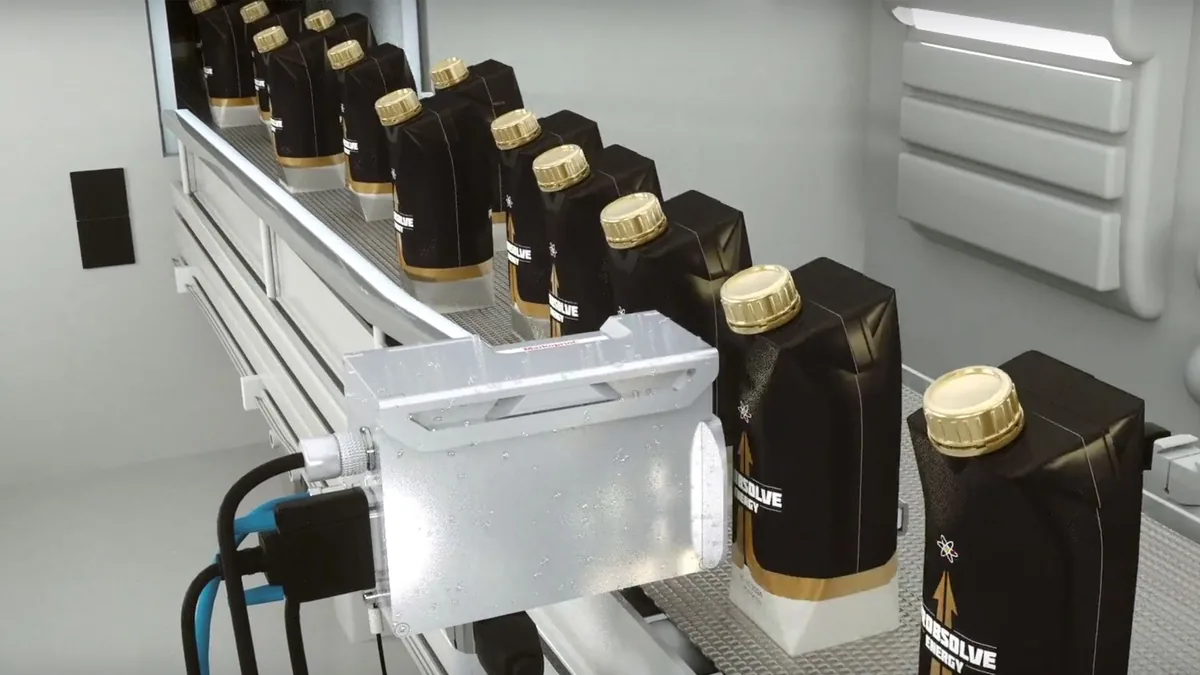
An integrated or external photo sensor starts each print as the pack passes; a rotary encoder keeps the print in step with line speed. Hot ink roll coders print with the packing machine’s cycle.
- 03
Print the code
Inkjet printheads mark without touching the pack; hot ink roll coders press heated type, inked by a solid-ink roll, onto the film.
- 04
Dates update themselves
Date/time, counters and date offsets update automatically in the configurations that support them, so the code changes without stopping the line.
01Application
Date, batch & expiry coding
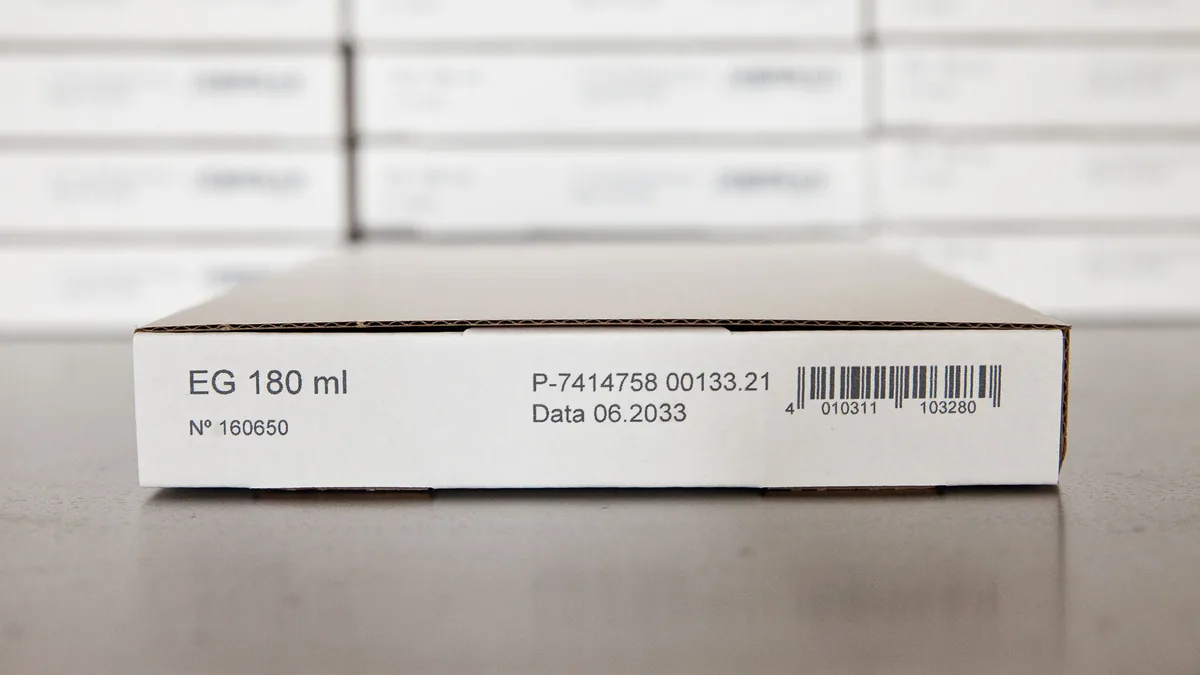
Manufacturing and expiry dates, batch and lot numbers — printed on every pack by contact or non-contact coders, inline or by hand.
01 What it is
Date & batch coding, explained
Date and batch coding is the most common marking task on a packaging line. PACODE’s About page describes it directly: contact and non-contact coding systems “used for the printing of Manufacturing & Expiry dates, Batch Numbers and Price”.
The printer updates the code itself. On X1JET and Integra systems, date and time are available from the Basic configuration and counters and date offsets from Advanced, so an expiry date can be calculated from the production date automatically.
What can be printed
- Date & time
- Basic configuration and above (X1JET, PP 108); all Integra One configurations
- Date offset
- Advanced configuration and above — e.g. expiry calculated from production date
- Counters
- Advanced configuration and above
- Text & logos
- All configurations
Configuration names refer to PACODE’s published comparison tables.
02 Where it is used
Industries and products
-
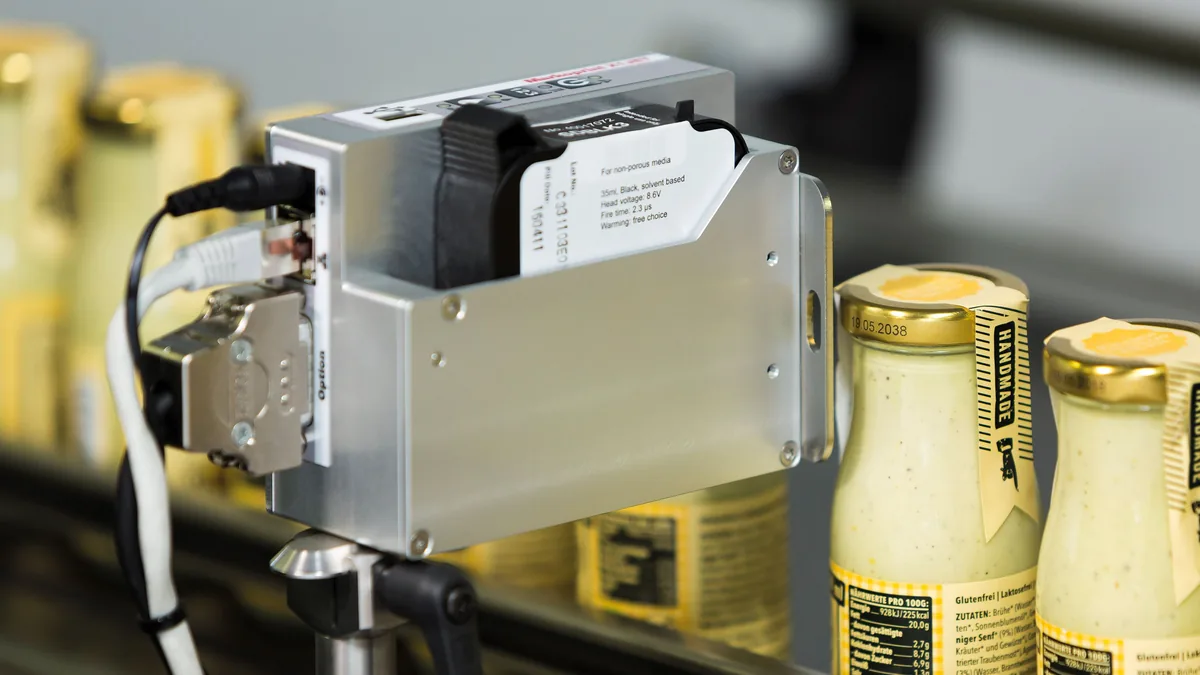
- Pharmaceutical Manufacturing and expiry dates and batch numbers on cartons and labels. Industry page
-
-

01 Industry
02 Application
03 Product
- X1JET HP Markoprint
- X1JET HP Stitch Markoprint
- X1JET HP HandHold Markoprint
- X1JET LX Markoprint
- Integra One / One IP Markoprint
- Integra Ultimate Markoprint
- IP-JET HP Markoprint
- X2JET / X4JET Markoprint
- jetStamp 1025 REINER
- jetStamp graphic 970 REINER
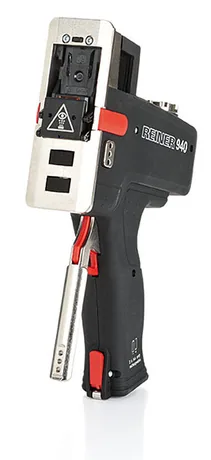
- 940 REINER
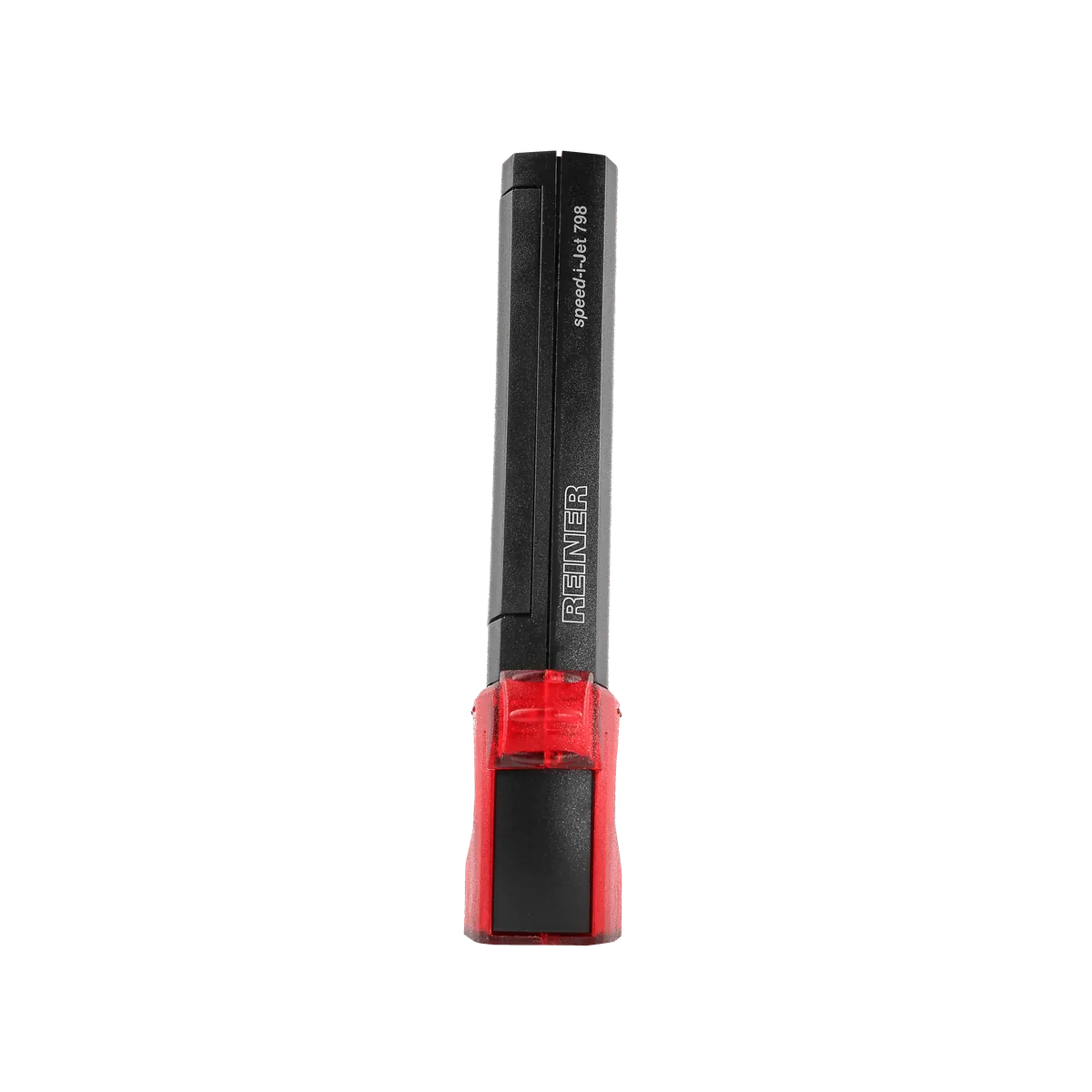
- speed-i-Jet 798 REINER
- jetStamp 790 MP / 792 MP REINER
- DK-802 Dikai
03 Technologies
Technology options compared
Select a technology for its method, print height, surfaces and the PACODE models that apply.
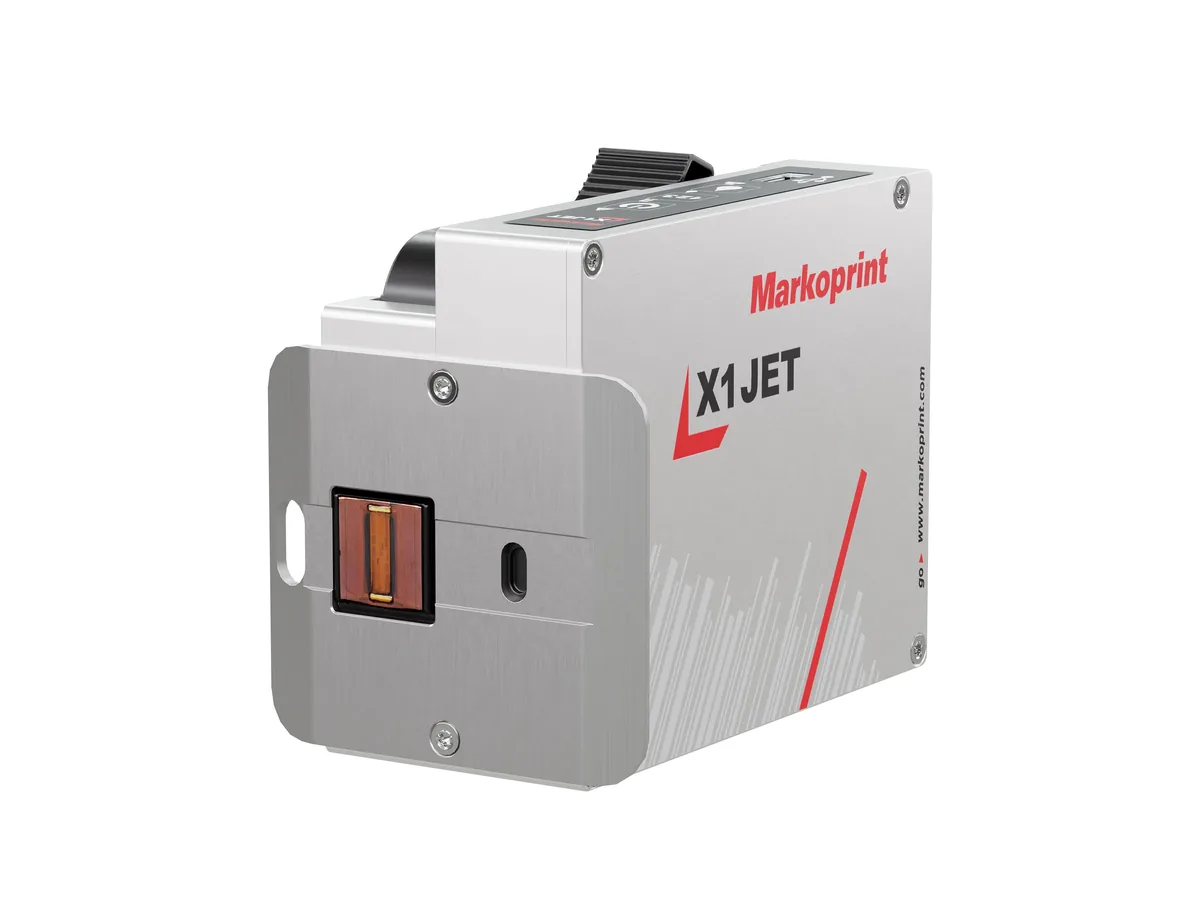
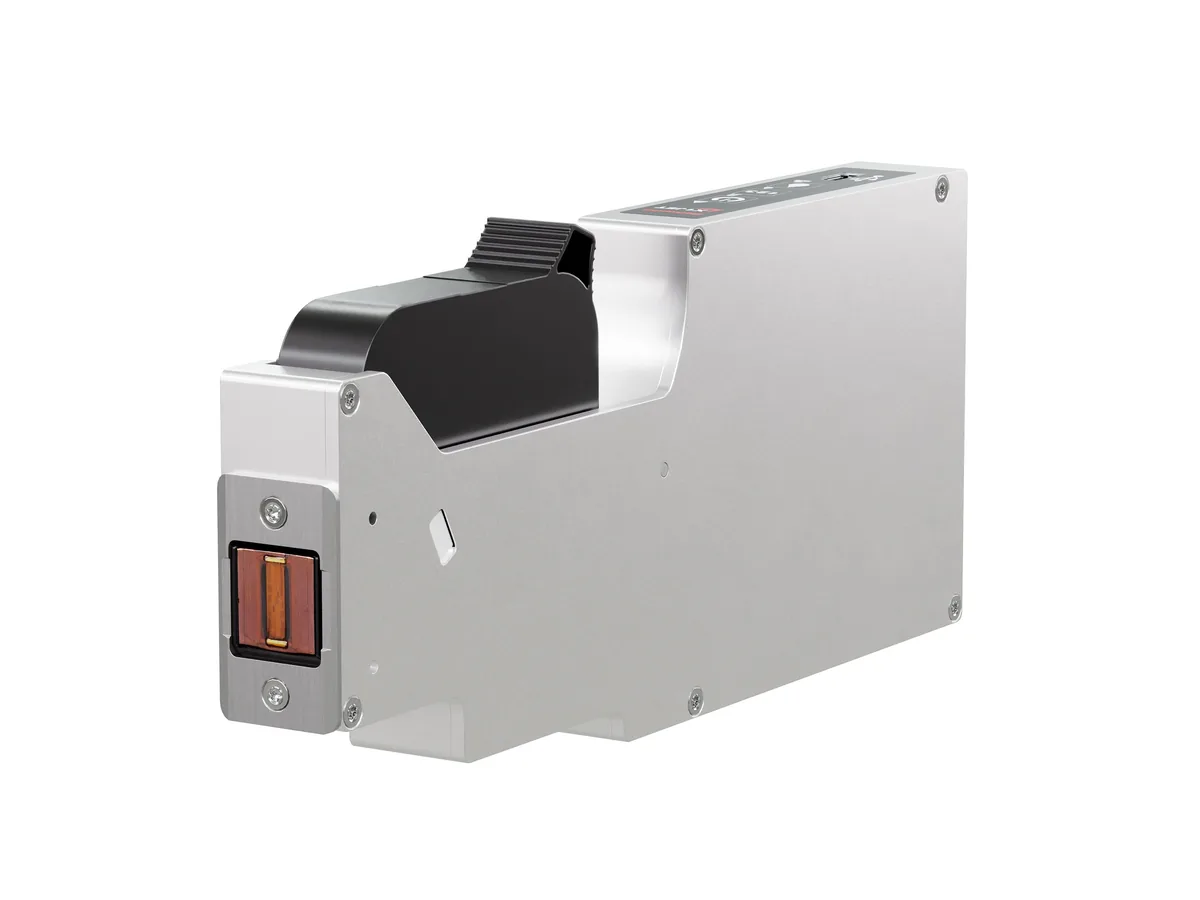
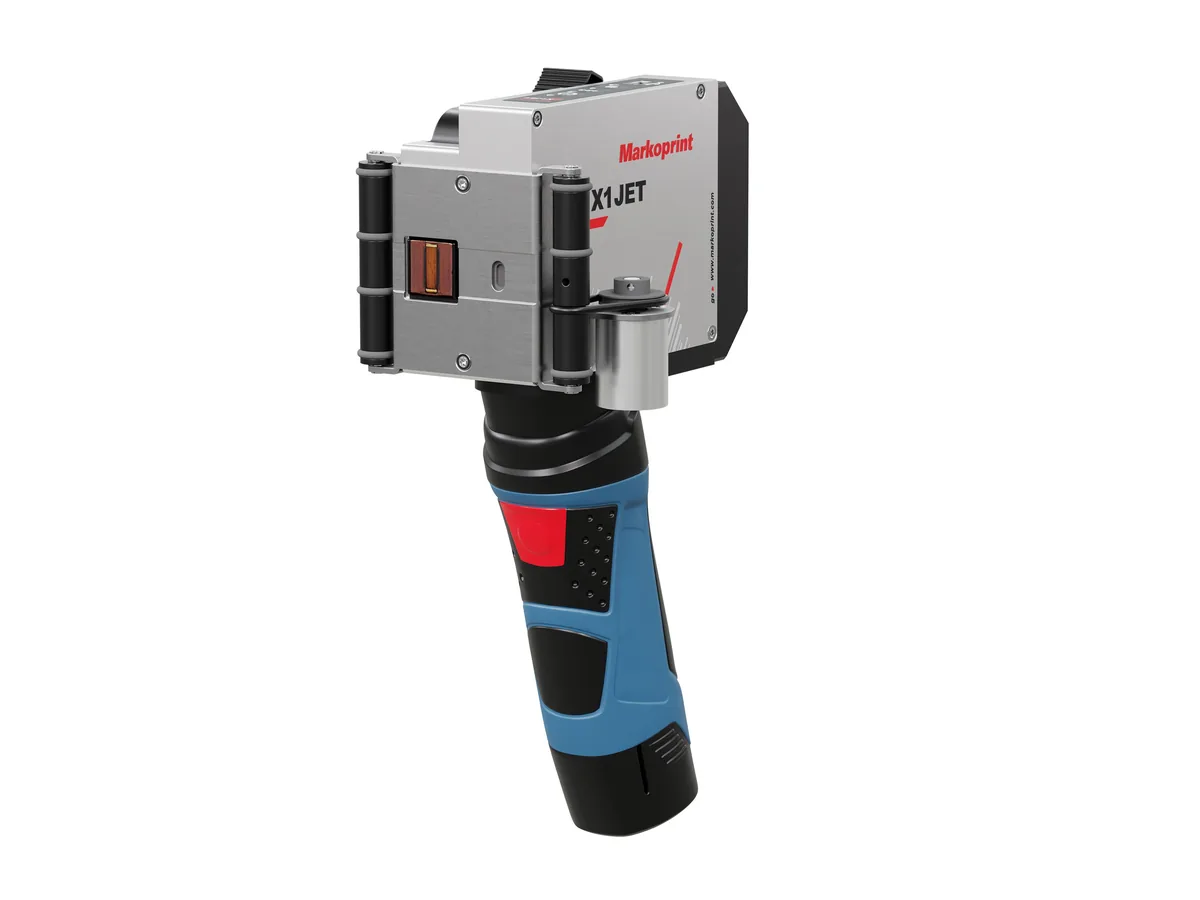
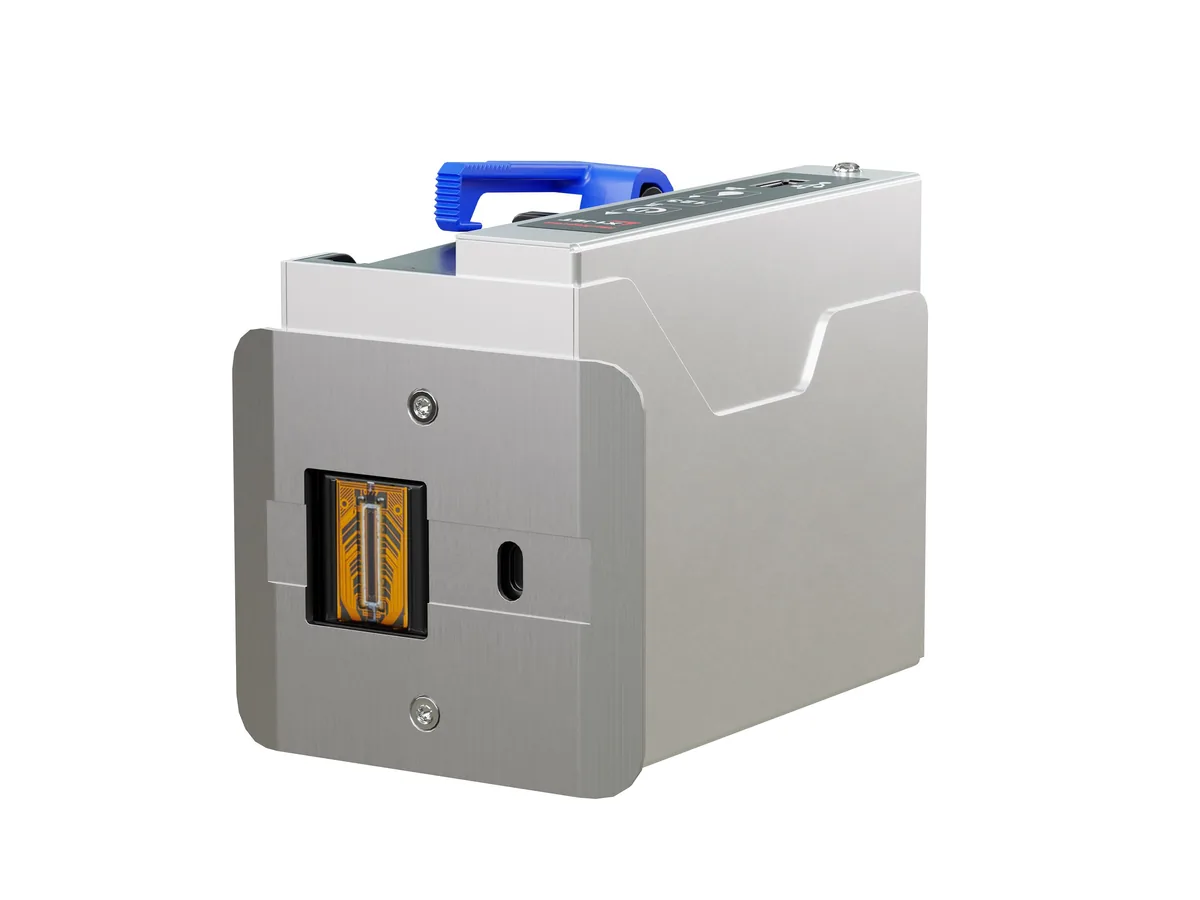
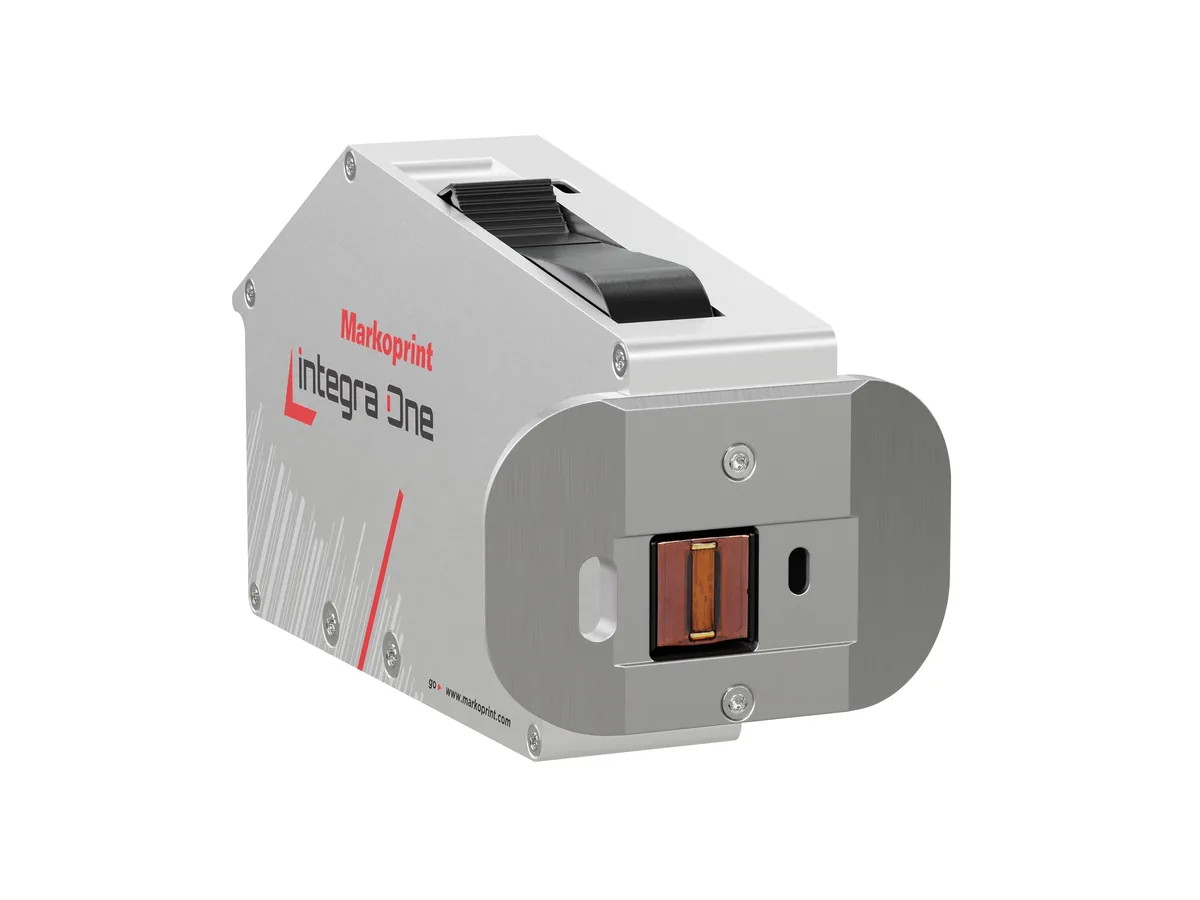
Thermal Inkjet Printers
Inline on conveyors and packing machines; high resolution; IP65 options
-
-
-
-
-
-
-
Hot Ink Roll Coders
Mounted on the packing machine; low consumable cost; up to 150 ppm (DK-802)
Handheld Inkjet Printers
Small batches, pallets and products away from a line
-
-
-
-
-
- REINERjetStamp 790 MP / 792 MP
04 Recommended equipment
PACODE products for date & batch coding
Based on the applications PACODE states for each model and the capabilities in its published specifications.
-
Markoprint Thermal inkjet
X1JET HP
A compact all-in-one thermal inkjet coder — controller and printhead in one aluminium housing — for 12.5 mm codes on absorbent and semi-absorbent surfaces.
- Max. print height
- 12.5 mm
- Max. speed
- 90 m/min (Pro)
- Protection
- IP40
-
Markoprint Thermal inkjet
X1JET HP Stitch
A slim HP Class thermal inkjet printer with its electronics behind the cartridge — for tight installation spaces and multi-lane packaging lines.
- Max. print height
- 12.5 mm per head
- Printheads
- Cascade up to 8
- Dimensions (L/W/H)
- 232 × 26 × 102 mm
-
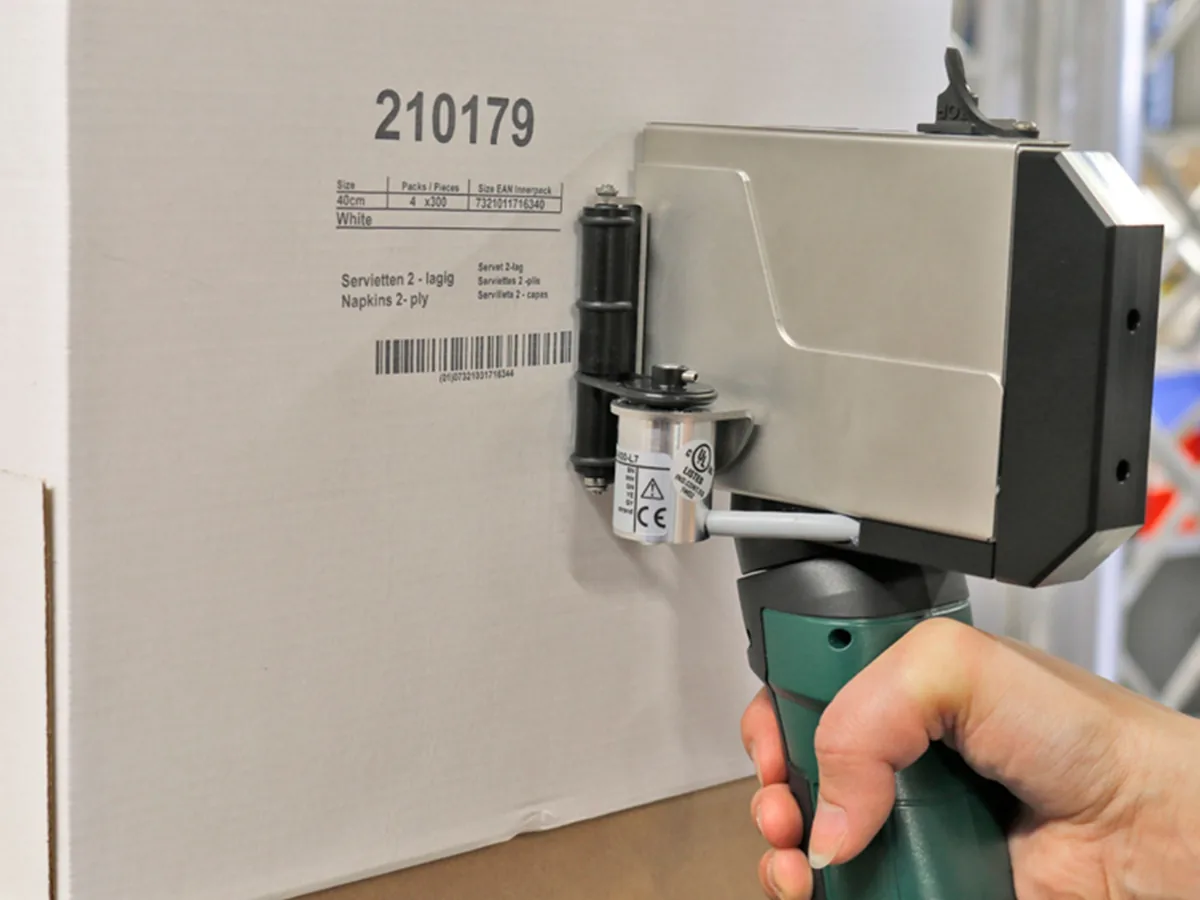
Markoprint Handheld
X1JET HP HandHold
A battery-powered HP Class printer for high-resolution marking in several locations, without being fixed to a production line.
- Max. print height
- 12.5 mm
- Weight
- 1.2 kg
- Protection
- IP40
-
Markoprint Thermal inkjet
X1JET LX
A cost-effective all-in-one inkjet coder with LX Class printing technology and a double-nozzle-row printhead for high-resolution prints.
- Max. print height
- 12.5 mm
- Max. speed
- 90 m/min (Pro)
- Protection
- IP40
-
Markoprint Thermal inkjet
Integra One / One IP
An HP Class thermal inkjet printer with OLED display, designed for integration into production systems — the One IP version adds IP65 protection.
- Max. speed
- 180 m/min (Pro)
- Resolution
- Up to 600 dpi
- Protection
- IP40 · IP65 (One IP)
-
Markoprint Thermal inkjet
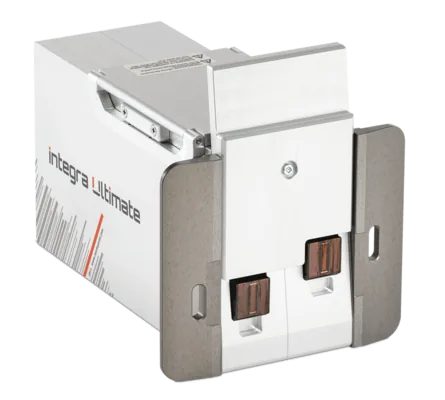
Integra Ultimate
An IP65 thermal inkjet printer that automatically closes and cleans its nozzle plate at every standstill — for sporadic use and hard-to-reach printheads.
- Max. print height
- 25 mm
- Protection
- IP65
-
Markoprint Thermal inkjet
IP-JET HP
A sealed, pressurised all-in-one thermal inkjet printer rated IP65 — built for dusty and wet production areas.
- Protection
- IP65
- Resolution
- Up to 600 dpi
- Max. speed
- 180 m/min (Ultimate)
-

Markoprint Print controllers
X2JET / X4JET
Compact, standalone print controllers with a 5.7″ touchscreen — X2JET drives 2 printheads, X4JET drives 4, on one or two production lines.
- Printheads
- 2 (X2JET) · 4 (X4JET)
- Production lines
- 2
- Display
- 5.7″ touch TFT
-
REINER Handheld
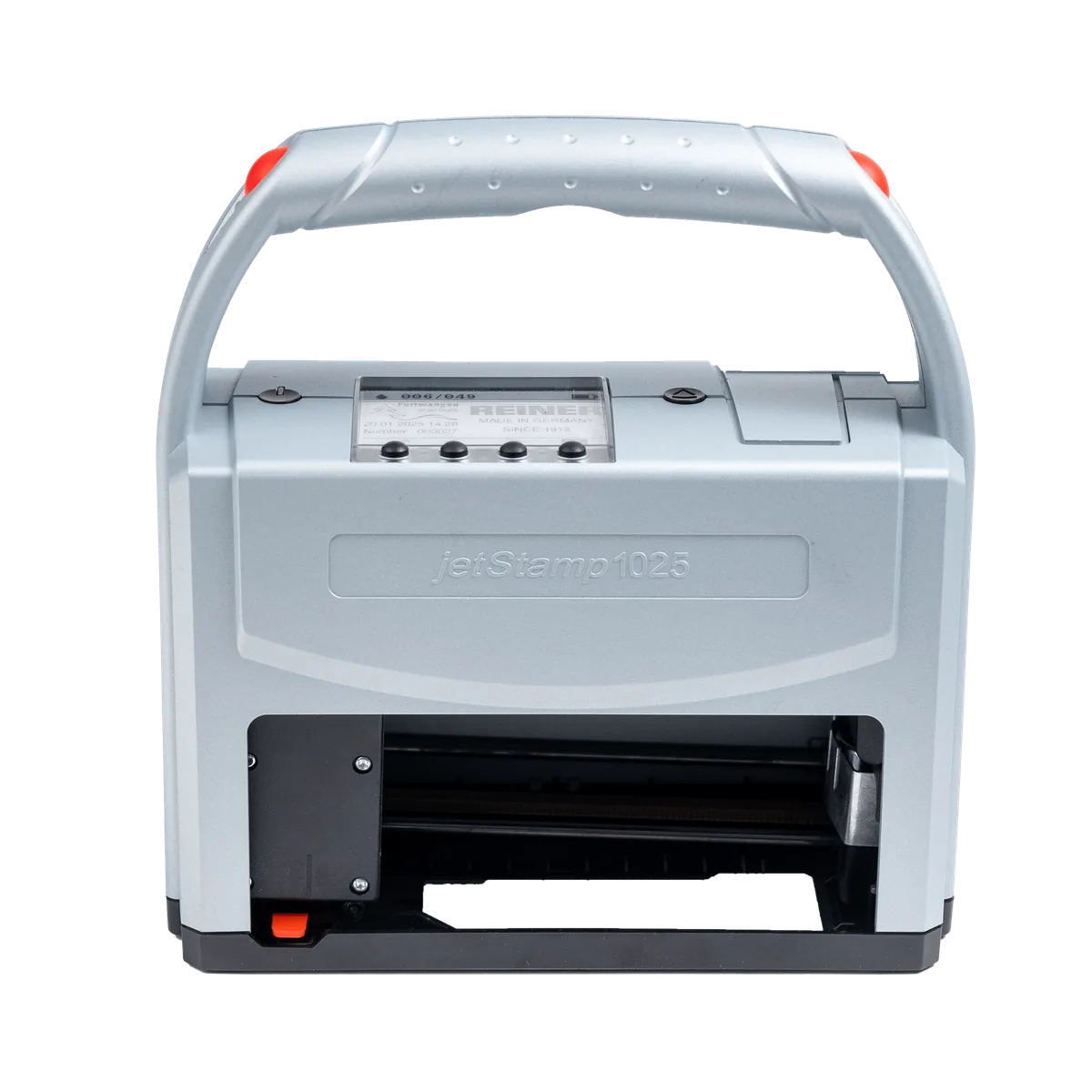
jetStamp 1025
A 100% mobile marking device that prints up to 25 mm high from a single cartridge — for pallets, cartons, packaging and parts.
- Max. print height
- 25 mm
- Resolution
- 300 dpi
- Weight
- approx. 900 g
-
REINER Handheld
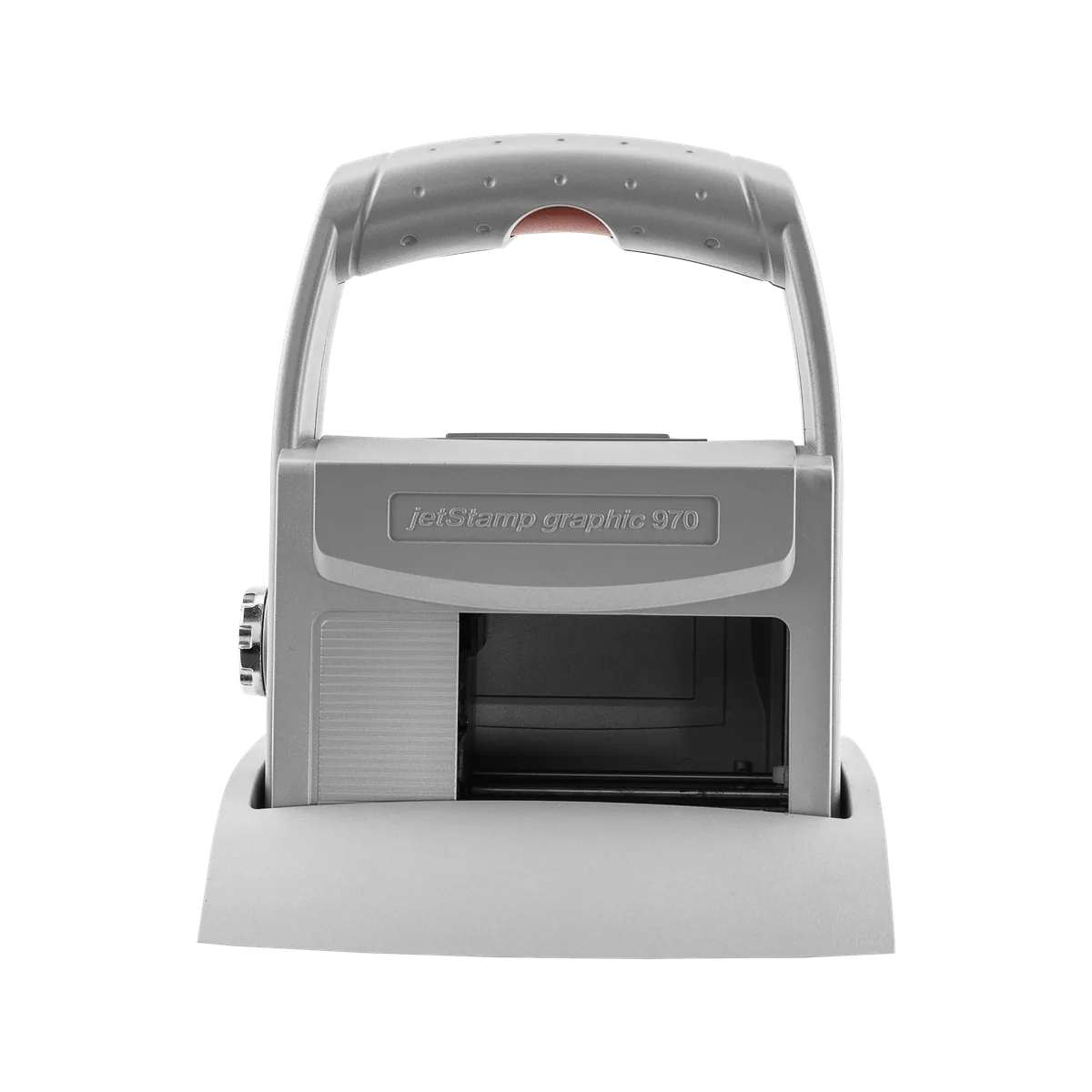
jetStamp graphic 970
A handy mobile inkjet printer for numbers, dates, text, graphics and barcodes — including machine-readable marks on metal and plastic.
- Max. print height
- 12.7 mm
- Resolution
- 300 dpi
- Weight
- approx. 520 g
-
REINER Handheld
940
A 530 g mobile inkjet printer that marks by rolling across the surface — multi-line text, graphics and barcodes, up to 140 mm long.
- Max. print height
- 12.7 mm
- Max. speed
- 400 mm/s
- Weight
- 530 g
-
REINER Handheld
speed-i-Jet 798
A pocket-sized inkjet marker for single-line text, consecutive numbers, dates and times — drag it across the surface and press the trigger.
- Max. print height
- 3.2 mm digit height
- Resolution
- 96 dpi
- Weight
- approx. 125 g
- Handheld inkjet stamp
REINER Handheld
jetStamp 790 MP / 792 MP
Electronic inkjet stamps for one- and two-line number, date, time and text prints on flat and uneven surfaces — including metal and plastic.
- Display
- LCD
-
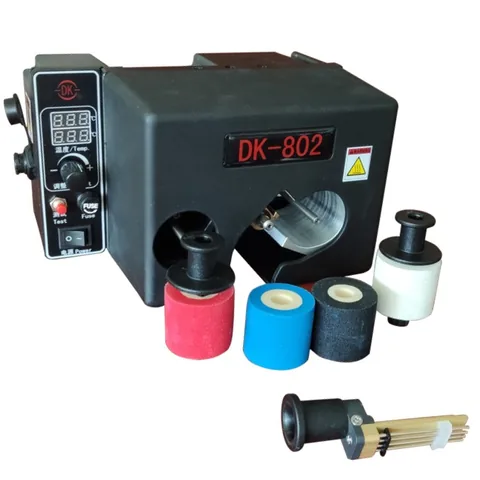
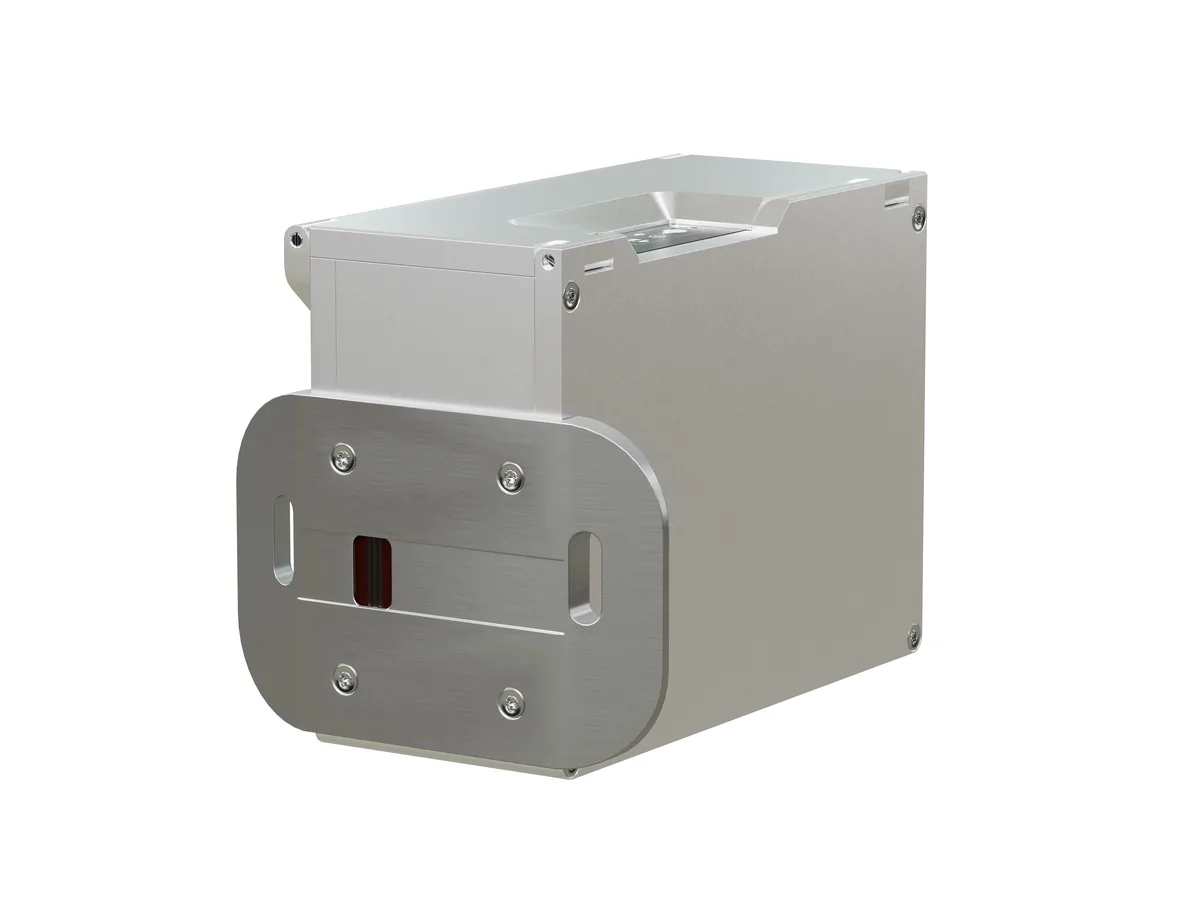
Dikai Hot ink roll
DK-802
A compact intermittent hot ink roll coder for printing dates and lot numbers on intermittent packaging machines — up to 150 prints per minute.
- Output
- Up to 150 ppm
- Display
- LED
05 Typical examples
What the code looks like
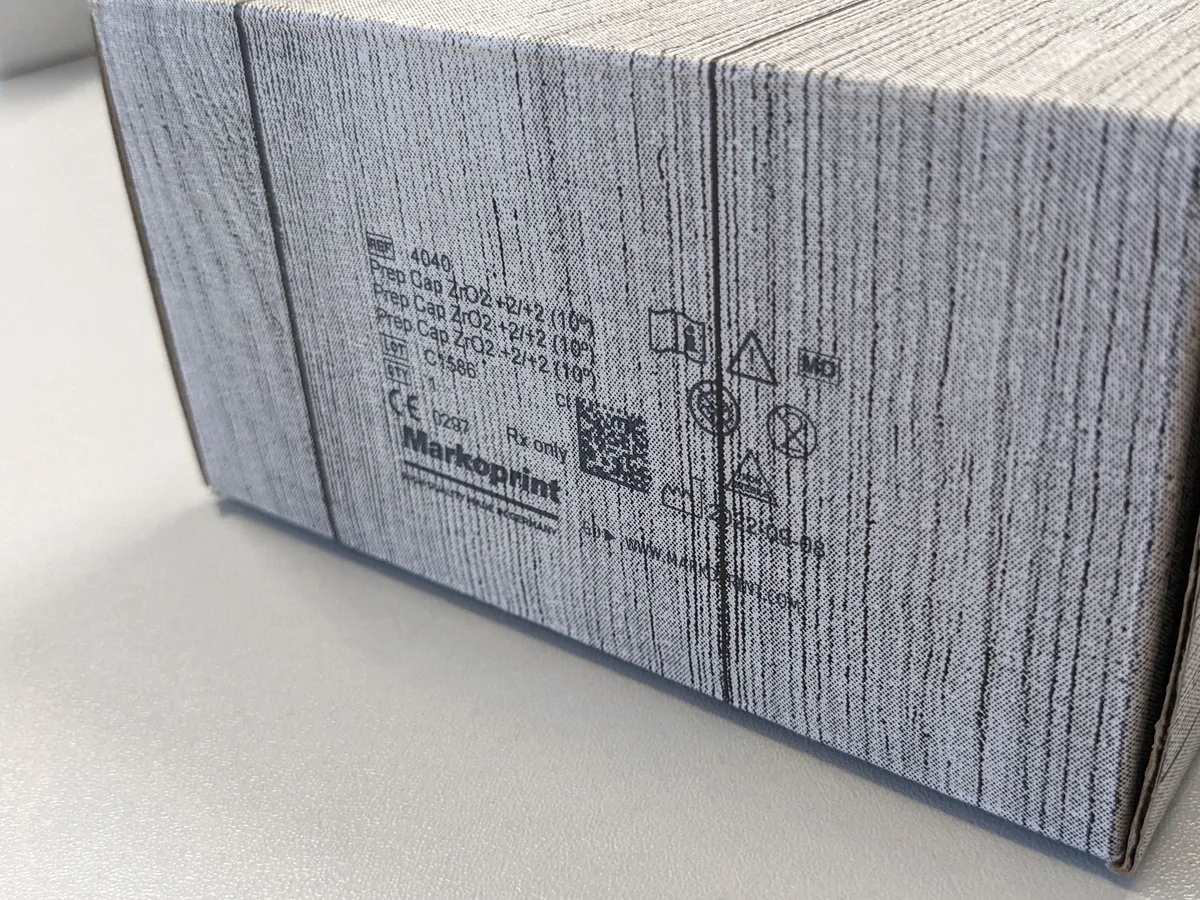
Illustrations generated by PACODE to show the kinds of content equipment for date & batch coding can print according to its specifications — not photographs of actual print output. Sample data is fictitious.
Materials
Surfaces it works on
-
Paper (coated or non-coated), PE/PP/PET materials, aluminium foil, wood and metal tin sheet.
Source: PACODE website — About page
-
Paper, cardboard, painted surfaces, foils and plastics (IP-JET HP).
Source: PACODE website — IP-JET HP (previous site: /ip-jet-hp-2/)
06 How it works
Step by step
Questions
Frequently asked
Can the printer calculate the expiry date automatically?
Yes, in configurations with a date offset. PACODE’s comparison tables list date offset from the Advanced configuration of X1JET and Integra PP 108, and in the Print, Advanced and Pro configurations of Integra One.
What is the difference between contact and non-contact coding?
Contact coders — such as Dikai hot ink roll coders — press heated type onto the pack. Non-contact coders — thermal and piezo inkjet printers — spray ink without touching it. PACODE supplies both types.
Which materials can be date coded?
PACODE lists paper (coated or non-coated), PE/PP/PET materials, aluminium foil, wood and metal tin sheet. Individual models list their own surfaces on each product page.
Related applications

Date & batch coding · request a quote
Tell us what you need to print.
Share your product, substrate and line speed, and PACODE will recommend the right technology and model. We reply to enquiries within 24 hours.